Recent POST






Tiny Project Progress Tracker
Start your journey
Select a tiny project to build. Each one takes under 2 hours and builds real skills.
Calculator
Add two numbers
- ● Create HTML form
- ● Add JavaScript function
- ● Display result
To-Do List
Check off items
- ● Create input field
- ● Add items to list
- ● Check items off
Lyrics Page
Display song lyrics
- ● Create HTML structure
- ● Add CSS styling
- ● Format text
Select a project to see your steps
You sit down at your laptop, open a blank file, and wonder: Can I code on my own? No teacher. No syllabus. No deadlines. Just you and a screen full of errors. It’s not just possible-it’s how most of the world’s best developers started. You don’t need a degree, a bootcamp, or even a mentor to write your first working program. But you do need the right approach.
People think coding needs a classroom. It doesn’t.
Every year, thousands sign up for coding classes because they’re told they can’t learn without one. That’s a myth. The first website I ever built was at 16, using nothing but Google, a free HTML guide from W3Schools, and a stubborn refusal to quit after my fifth broken page. I didn’t know what a CSS selector was. I didn’t care. I just wanted a button that changed color when I clicked it. I got it. After three days of trial and error.
Today, over 70% of professional developers in the U.S. and Europe are self-taught, according to Stack Overflow’s 2024 Developer Survey. The same trend holds in Australia, Canada, and New Zealand. You don’t need a certificate to build apps. You need persistence, curiosity, and a way to measure progress.
Start with one tiny goal
Most people fail at learning to code alone because they start too big. "I want to build an app like Instagram." That’s not a goal. That’s a fantasy. Real learning starts with something smaller than your coffee mug.
Here’s what works:
- Make a calculator that adds two numbers.
- Build a to-do list you can check off.
- Create a page that displays your favorite song lyrics.
Each of these takes under two hours. Each gives you a real result. Each teaches you something new-variables, functions, event listeners, DOM manipulation. You don’t need to understand all of it at once. You just need to make something that works, even if it’s ugly.
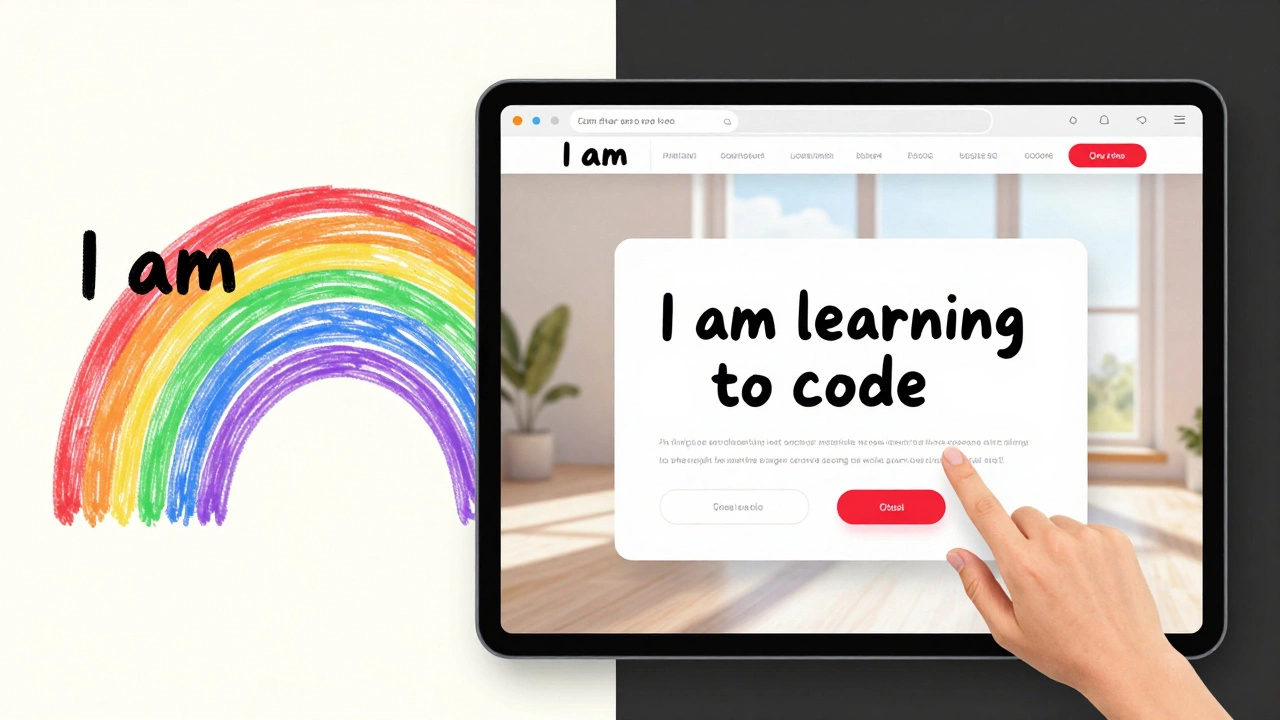
When I taught my sister to code, she started by making a webpage that said "I am learning to code" in rainbow colors. She didn’t know what CSS was. She copied code from a tutorial, changed one word, and watched it work. That’s the moment people become coders-not when they memorize syntax, but when they see their idea come to life.
Use free tools that actually work
You don’t need to pay for a platform. The best tools for learning alone are free, fast, and built for beginners.
- freeCodeCamp - Structured projects with instant feedback. No signup needed to start.
- Replit - Write code in your browser. Run it. Share it. No setup.
- MDN Web Docs - The official, clear, no-fluff reference for HTML, CSS, and JavaScript. Used by professionals.
- GitHub Copilot (free for students) - If you’re stuck, type a comment like "make a button that turns red when clicked" and it suggests code. Use it like a tutor, not a crutch.
Don’t waste time comparing IDEs or downloading 12 different apps. Pick one tool. Stick with it. Learn how to use it well. You’ll get farther with one good tool than with ten half-used ones.
Learn by breaking things
The best way to understand how code works is to break it on purpose. Change one line. See what happens. Break it again. Fix it. Break it again.
Here’s a real example: I once built a simple countdown timer. It worked fine. Then I changed the number from 60 to "sixty". The page froze. I panicked. I reloaded. Nothing. I opened DevTools. Saw the error: "Uncaught TypeError: Cannot convert string to number". I Googled it. Learned about data types. Fixed it. I didn’t just learn how to fix a bug-I learned how JavaScript handles data.
That’s the secret: bugs aren’t failures. They’re lessons in disguise. Every error message is a clue. Every crash is a chance to learn. The more you break things, the faster you learn.
Don’t wait for perfect knowledge
One of the biggest traps for self-taught coders is waiting until you "know enough". You’ll never feel ready. There’s always another language, another framework, another concept to learn.
Here’s the truth: you don’t need to know everything to build something useful. You just need to know enough to get started-and then learn the rest as you go.
When I built my first job search tool, I didn’t know how to connect to a database. I didn’t know what an API was. I used Google Sheets as my "database". I wrote a script to pull data from it. It wasn’t elegant. It wasn’t scalable. But it worked. And it got me my first freelance gig.
Perfect is the enemy of done. Ship something ugly. Then make it better. That’s the cycle of real learning.
Track your progress-visibly
When you’re learning alone, it’s easy to feel like you’re not making progress. You open your code editor, stare at the same file for an hour, and feel stuck.
That’s why you need a public record of your work.
- Create a GitHub account. Push every project, even the broken ones.
- Write a short note with each commit: "Made button change color" or "Fixed typo in title".
- After 30 days, look back. You’ll see 30 days of progress. You’ll see how far you’ve come.
I used to think I was stuck. Then I looked at my GitHub history from six months ago. I had 47 commits. Most were "oops, fixed typo". But I had also built a weather app, a habit tracker, and a quiz game. I hadn’t realized it until I saw the record.
Your progress isn’t invisible. It’s just not measured by grades or certificates. It’s measured by what you’ve built.

Find your community-without a class
You don’t need a classroom to have support. You just need the right spaces.
- Join the freeCodeCamp forum-real people help with real problems.
- Search Reddit for r/learnprogramming. Ask questions. Read answers.
- Follow coders on Twitter or Mastodon who share small wins. "Just made my first API call!" That’s the kind of post that keeps you going.
Don’t wait for someone to tell you you’re doing well. Find people who are doing the same thing you are. Celebrate their wins. Share yours. You’ll find you’re not alone.
What to do when you hit a wall
Everyone hits a wall. It might be after a week. Or after three months. It feels like you’ve forgotten everything. You’re not broken. You’re normal.
Here’s what to do:
- Stop coding for 24 hours.
- Watch a 10-minute video of someone building something simple. Not a lecture. Just a build.
- Go outside. Walk. Breathe.
- Open your oldest project. Make one small change.
- Commit it. Push it.
That’s it. You don’t need motivation. You need momentum. And momentum comes from doing one tiny thing.
You’re already a coder
You don’t need permission to code. You don’t need to pass a test. You don’t need to be good at math. You don’t need to be young.
If you’ve ever typed a line of code and seen it work-even once-you’re a coder. Not a student. Not a beginner. A coder.
The world doesn’t need more certified coders. It needs more people who solve problems with code. That’s you. Start small. Stay consistent. Don’t wait for the perfect moment. The perfect moment is now-with your fingers on the keyboard, ready to try again.
Do I need a computer science degree to code on my own?
No. Most professional developers didn’t go to college for computer science. Many learned through online tutorials, personal projects, and open-source contributions. Employers care more about what you can build than what’s on your diploma.
How long does it take to learn to code alone?
You can write your first working program in under an hour. To get to the point where you can build simple apps, most people need 3-6 months of consistent practice-about 10-15 hours a week. It’s not about speed. It’s about showing up regularly.
What’s the best language to start with?
Start with JavaScript if you want to build websites. Start with Python if you want to analyze data or automate tasks. Both are beginner-friendly, widely used, and have huge free learning resources. Don’t overthink it. Pick one and stick with it for at least three months.
Can I get a job if I’m self-taught?
Yes. Companies like Google, Apple, and startups hire self-taught developers every day. What matters is your portfolio-projects you’ve built, problems you’ve solved, and how you talk about them in interviews. A GitHub profile with 10 real projects beats a degree with no code.
What if I get stuck and can’t find answers online?
That’s rare. Most coding problems have been solved before. Try rephrasing your error message in Google. Add "Stack Overflow" to your search. If you’re still stuck, post on Reddit or the freeCodeCamp forum with your code and the exact error. People are happy to help-if you show you’ve tried.
Next step: Open your code editor. Type something. Break it. Fix it. Push it. You’ve already started.