Recent POST




LMS Dependency & Migration Difficulty Calculator
Assess Your Current Setup
Your Migration Outlook
Run calculator to see result
Strategy Recommendation:
Calculate to reveal your exit strategy...
Have you tried to close your Google Classroom account only to find it won't let you? Or maybe your school suddenly stopped allowing you to switch tools mid-year? You aren't imagining things. Many teachers and students feel trapped in Google Classroom is a digital workspace used by millions of schools globally. It started as a simple assignment tool but evolved into a massive ecosystem. When you ask "why can't I leave," the answer isn't about a missing button. It is about how your school built its entire operation around this platform.
The Invisible Wall: Administrative Control
The biggest reason you cannot leave is not technical; it is administrative. In most districts, IT administrators manage user accounts centrally. They use Google Workspace for Education which provides a suite of productivity apps managed by schools. Your login credentials often link your personal student ID directly to the school's domain. If a teacher tries to migrate classes elsewhere, the administrator might not approve it because their infrastructure relies on Google's Single Sign-On.
This creates a dependency loop. Imagine trying to move out of an apartment when the landlord also owns the furniture, the utilities, and the mail system. Schools often sign multi-year contracts with Google. These contracts include compliance features like data hosting in specific regions. Breaking that contract means the IT department loses access to reporting tools they monitor daily. Consequently, individual requests to "leave" Classroom are often blocked at the root level by policy, not by code.
Data Gravity: Why Moving History is Hard
Even if administration says yes, moving your work is painful. Over years, classrooms accumulate thousands of files. Grades, feedback, drafts, and submission logs live deep within the platform's database. While there is a process to download your own data, the workflow is clunky. You can export some assignments as PDFs, but losing the metadata-like timestamps or version history-is common.
Think about Learning Management System platforms that manage course delivery and tracking. Switching systems requires migrating this data so it works in the new tool. Most competitors do not accept raw CSV files from Google seamlessly. A teacher might lose track of which students submitted homework last week. That risk makes staff hesitant to switch. The fear of losing a semester's worth of grading records often outweighs the benefits of finding a better interface.
Integration Dependencies
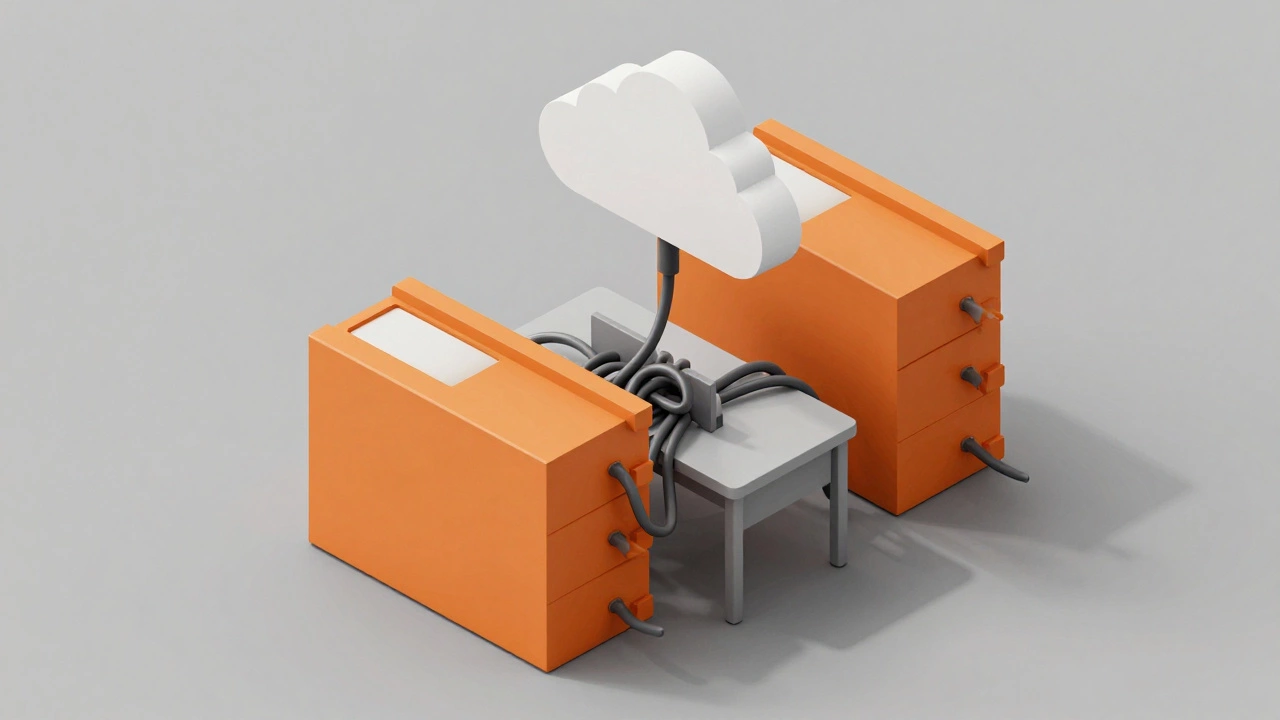
You likely use more than just the main classroom app. Your workflow probably connects to Google Drive is a cloud storage service widely used for file sharing and collaboration., Docs, Sheets, and Gmail. These services talk to each other automatically. When you assign a Doc from Classroom, it saves a copy to Drive instantly. Trying to detach Classroom leaves gaps in your file management.
Many schools deploy Single Sign-On allows users to use one username and password to access multiple applications. through Chrome browsers on devices they provided. If you remove Classroom, does the browser still log you in correctly? Does the gradebook sync with attendance software? These hidden integrations create friction. Fixing them requires manual reconfiguration for every device, which is labor-intensive for overworked IT teams. Thus, the status quo remains the safest path.
| Feature | Google Classroom | Canvas LMS | Schoology |
|---|---|---|---|
| Data Portability | Limited exports | Standardized IMS format | Robust API support |
| User Interface | Simplified, minimal | Dense, information-rich | Social media style |
| Admin Control | High (managed via G Suite) | Medium (independent portal) | High (via third-party) |
| File Integration | Native Google Files | Any provider compatible | External file hosting |
Legal and Compliance Barriers
Another layer preventing exit is law. In the US, regulations like FERPA protects student privacy rights regarding educational records. require careful handling of student records. Moving data off-site introduces liability. Schools worry about where the new platform stores data geographically. If a new vendor lacks proper compliance certifications, legal teams will veto the switch immediately.
Furthermore, data retention laws dictate how long records must be kept. Google Classroom archives old classes automatically. Managing this archive yourself after leaving requires setting up new servers or paying for backup solutions. For budget-constrained districts, relying on a free tier solution like Google is easier than building compliant storage infrastructures from scratch. These regulatory hurdles make the decision less about preference and more about risk management.

Breaking the Cycle: What You Can Do
If you are determined to transition, preparation is key. Start by exporting your data regularly before planning a move. Use the classwork stream settings to download summaries. Communicate early with your IT administrator about potential needs. Sometimes, the barrier is simply a lack of communication rather than a hard policy ban.
Consider partial migration strategies. Keep using Google Drive for storage but move the class roster management elsewhere. This hybrid approach reduces the shock of a full system overhaul. It allows you to test a new environment without discarding existing workflows entirely. Slow shifts often succeed where rapid exits fail.
Can I delete my personal Google Classroom account?
Yes, personal owners can delete classes and turn off accounts. However, if your account was created by a school administrator, you may be locked out of this feature. The admin holds ultimate control over education-managed accounts.
How do I download my assignment history?
Navigate to the class, open the settings, and select the option to download class materials. This usually provides a CSV of grades and links to attached files stored in your associated drive folder.
Is there a time limit for keeping old classes?
There is no strict expiration date set by default. Classes remain active until an administrator deletes them or archiving policies trigger. Some districts auto-archive after five years of inactivity.
Will I lose my emails if I leave the ecosystem?
Only if your school email is tied to the Workspace account. If you leave, you typically lose access to the @school.edu address. Personal emails remain unaffected unless shared with the domain.
Are there better alternatives available now?
Alternatives like Canvas, Blackboard, and Microsoft Teams exist. They offer more flexibility for large universities, but Google often wins simplicity for primary education due to low training costs and familiarity.
Troubleshooting and Next Steps
If you encounter errors during an exit attempt, check the URL permissions first. Often, the dashboard appears functional but hides disabled buttons in greyed-out menus. Report this bug to your specific campus helpdesk rather than generic support. Documenting the exact error message helps IT bypass automated filters that block requests.
Finally, remember that leaving a platform requires coordination between the user and the provider. You cannot unilaterally disconnect a shared network identity. If your goal is autonomy, focus on owning your own data backups independently. Store copies of rubrics and syllabi on a neutral USB drive or external cloud unrelated to the school's billing cycle. This ensures you retain your intellectual property regardless of the platform's longevity.