Recent POST





Mobile Coding Readiness Calculator
What is your primary coding goal?
Your Mobile Coding Profile
Recommended Apps:
Pro Tips For Your Setup:
Readiness Score:
You pull out your smartphone not just to scroll through feeds, but to build something. The question isn't really "can we" anymore-it's "should we?" In 2026, the answer is a resounding yes, provided you know which tools actually work and where the hard limits lie. Coding on a phone used to be a joke about tiny keyboards and cramped screens. Today, it’s a legitimate workflow for learning, debugging, and even building small projects.
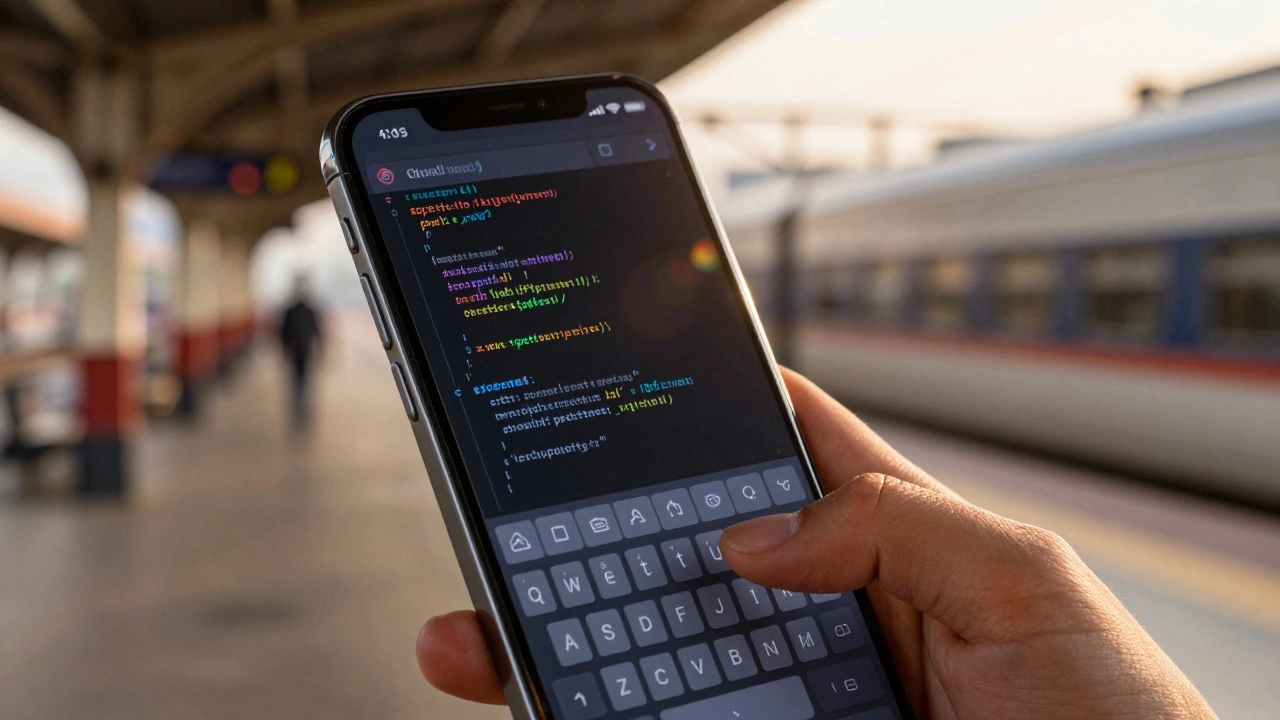
If you are sitting in a long lecture, waiting at a train station, or simply don’t have a laptop handy, your phone can be a powerful development environment. You won’t be building complex enterprise software with ease, but you can absolutely write clean Python scripts, edit HTML/CSS, or manage GitHub repositories. Let’s break down exactly how to make this work without driving yourself crazy.
The Short Answer: Yes, But With Caveats
Yes, you can code on a phone. However, the experience depends entirely on what you are trying to build. If your goal is to learn syntax, practice algorithms, or tinker with web pages, a smartphone is surprisingly capable. If you are trying to compile a large C++ project or debug a multi-layered React application, you will hit a wall quickly.
The main challenges are screen real estate and input methods. Typing special characters like curly braces `{}` or semicolons `;` requires digging through multiple keyboard layers. Reading nested code structures on a 6-inch screen forces constant horizontal scrolling. These aren't deal-breakers, but they do require specific strategies to overcome.
| Language | Top App | Platform | Best For |
|---|---|---|---|
| Python | Pydroid 3 | Android | Scripting & Data Science |
| JavaScript | Spck Editor | iOS / Android | Web Development |
| C++ | AIDE | Android | System Programming |
| Multi-Language | Replit | Cloud (Browser/App) | Collaboration & Learning |
Top Tools for Mobile Coding
Not all coding apps are created equal. Some are simple text editors that save files locally, while others offer full-fledged integrated development environments (IDEs) that run compilers directly on your device. Here are the most reliable options currently available.
1. Replit: The Cloud Powerhouse
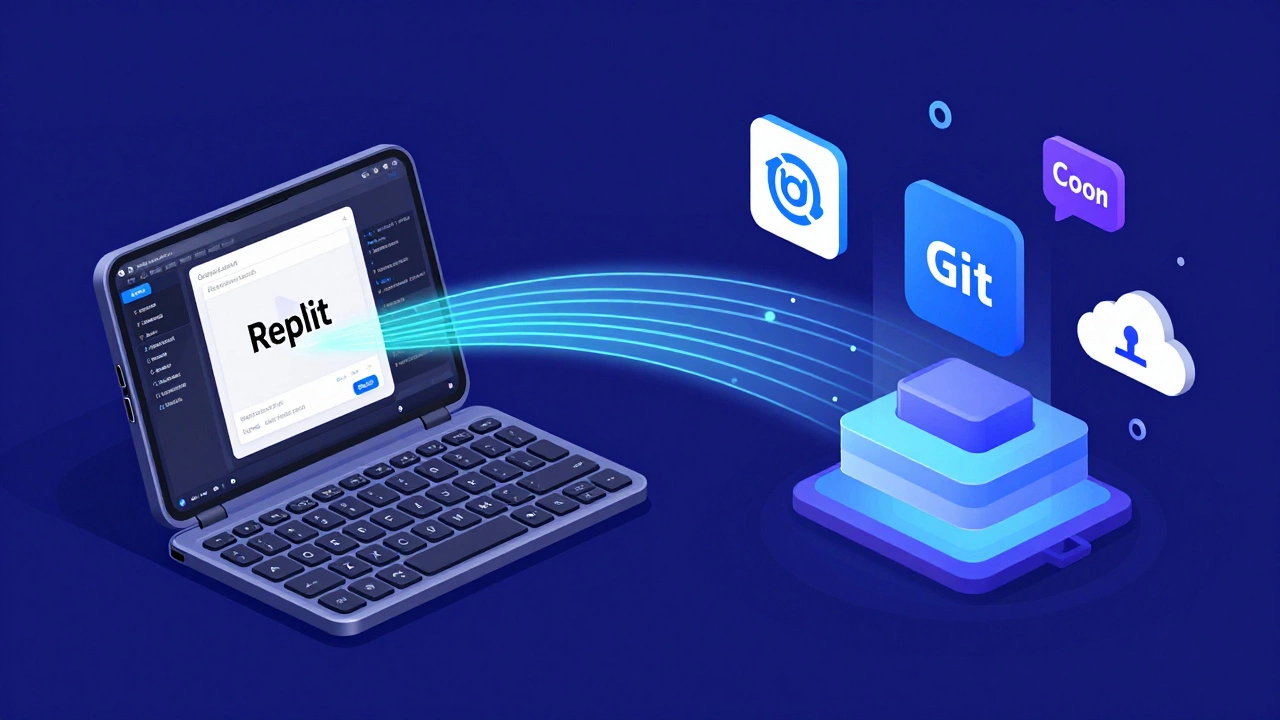
Replit is a cloud-based IDE that allows you to code in over 50 languages directly from your browser or app. This is arguably the best option for beginners because it removes the need to install heavy compilers on your phone. You can start coding immediately after signing up. The interface is responsive, and the community features allow you to fork other people’s projects to see how they work. Since the processing happens on their servers, your phone’s battery doesn’t drain as fast from computation.
2. Pydroid 3: The Android Python Specialist
If you are on Android and want to learn Python, Pydroid 3 is the gold standard. It installs a local Python interpreter, meaning you can run scripts offline. It supports popular libraries like NumPy and Matplotlib, which is rare for mobile apps. You can write a data analysis script during your commute and run it instantly without an internet connection.
3. Spck Editor: For Web Developers
For those interested in HTML, CSS, and JavaScript, Spck Editor offers a surprisingly robust experience. It includes a built-in preview pane, so you can see your website changes in real-time. The autocomplete feature helps reduce typing errors, and the file manager makes navigating project folders much easier than using a generic file explorer.
4. Kodingen: The Offline Alternative
Kodingen is a lightweight editor that works well for quick edits. It supports Git integration, allowing you to push and pull code from GitHub directly from your phone. This is useful if you need to fix a bug in a repository while away from your desk.
Overcoming the Keyboard Barrier
The biggest hurdle in mobile coding is the physical keyboard. Virtual keyboards are great for texting but terrible for programming. Special symbols are hidden behind secondary menus, leading to frequent typos that break your code.
To solve this, you have two main options:
- Enable Developer Keys: Most smartphones allow you to customize your keyboard layout. On iOS, go to Settings > General > Keyboard > Edit Keystroke and add symbols like `{`, `}`, `|`, and `~`. On Android, use Gboard’s customization features to create a row of developer keys.
- Use a Bluetooth Keyboard: Pairing a compact Bluetooth keyboard with your phone transforms the experience. It doesn’t have to be a full-sized mechanical board; even a small foldable keyboard makes typing code significantly faster and more accurate.
Another pro tip is to use code snippets. Many apps like Replit and Spck allow you to save common blocks of code (like a loop structure or a function definition) and insert them with a single tap. This reduces the amount of repetitive typing required.
When Is Mobile Coding Actually Useful?
You might wonder why anyone would bother coding on a phone when a laptop exists. There are several scenarios where mobile coding shines:
- Micro-Learning Sessions: Instead of watching a passive tutorial, you can follow along and type code simultaneously. This active recall method improves retention significantly.
- Catching Ideas Early: Inspiration often strikes outside the office. Having a ready-to-use IDE means you can jot down a prototype before the idea fades.
- Debugging on the Go: If you receive an error report from a user, you can check your code base via GitHub and test fixes immediately.
- Accessibility: For students who cannot afford a laptop, a smartphone is often their only computer. Mobile coding bridges this gap by providing access to essential programming tools.
Limitations to Keep in Mind
While mobile coding is impressive, it is not a replacement for a desktop environment. Here are the hard limits:
- Screen Size: Complex codebases with multiple open files become unmanageable. You lack the context window needed to understand large systems.
- Performance: Even with cloud IDEs, compiling large projects or running heavy machine learning models will lag on mobile hardware.
- File Management: Navigating deep directory structures on a touch screen is clumsy compared to mouse-driven file explorers.
- Tooling Ecosystem: Many advanced debugging tools, profilers, and extension markets are not fully optimized for mobile interfaces.
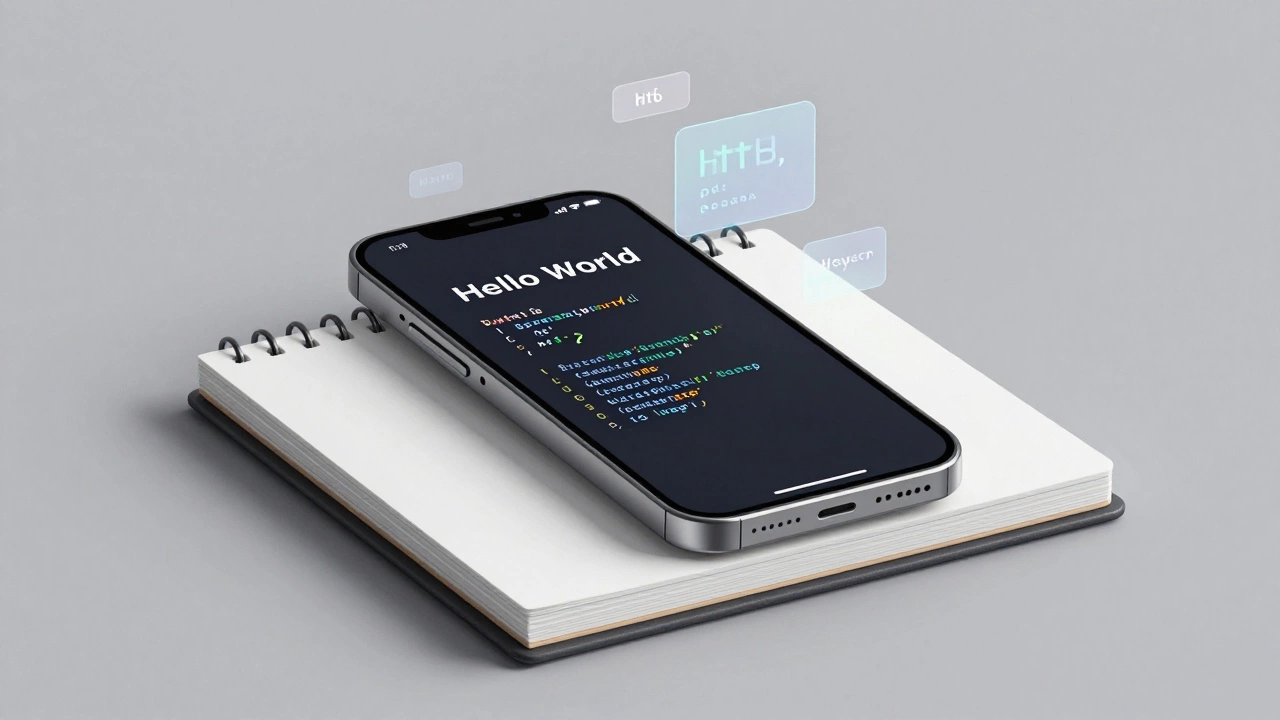
Think of your phone as a pocket sketchbook, not a drafting table. Use it for ideation, learning, and small tasks. Save the heavy lifting for your primary workstation.
Getting Started: Your First Steps
If you are ready to try coding on your phone, here is a simple roadmap:
- Choose One Language: Don’t jump between Python, Java, and JavaScript. Pick one and stick with it until you feel comfortable.
- Install a Dedicated App: Download Replit or a language-specific IDE like Pydroid 3. Avoid generic text editors unless you already know what you are doing.
- Customize Your Keyboard: Spend ten minutes setting up developer keys. This small step saves hours of frustration later.
- Start Small: Write a simple "Hello World" program, then move to basic loops and functions. Do not attempt to build a full web app on day one.
- Practice Consistency: Code for 15 minutes every day rather than three hours once a week. Mobile coding is perfect for short, focused bursts.
By treating your phone as a serious tool rather than a toy, you can turn dead time into productive learning sessions. The barrier to entry has never been lower, and the convenience is unmatched.
Is it better to code on an iPhone or Android?
It depends on the language. Android has a slight edge for native app development and Python due to apps like Pydroid 3 and Termux, which offer deeper system access. iPhones excel in web development thanks to Safari’s strict standards and apps like Spck Editor. Both platforms support cloud IDEs like Replit equally well.
Can I build a full website on my phone?
Yes, you can build a static website using HTML, CSS, and JavaScript. Apps like Spck Editor allow you to write code, preview it, and even deploy it to services like Netlify or Vercel directly from your phone. However, managing complex backend logic or databases is difficult on a mobile interface.
Do I need an internet connection to code on my phone?
Not necessarily. Local IDEs like Pydroid 3 (for Python) and AIDE (for Java/C++) run compilers on your device, allowing offline coding. Cloud IDEs like Replit require an internet connection because the code runs on remote servers. Check your app’s requirements before heading into areas with poor connectivity.
What is the best free coding app for beginners?
Replit is widely considered the best free option for beginners because it supports many languages, requires no setup, and offers interactive tutorials. For Python specifically, Pydroid 3 is excellent. For web development, Spck Editor provides a great free tier with essential features.
Can I use Git on my phone?
Yes, several apps support Git integration. Replit has built-in Git support, allowing you to commit and push changes. Other apps like Kodingen and TrebEdit also offer Git functionality. This enables you to collaborate with teams and back up your code directly from your smartphone.