Recent POST




Learning Station Readiness Checker
Check off the features present in your current learning station.
Station Score
Needs Improvement
Your setup is currently prone to distractions and physical strain. Start by securing a dedicated chair.
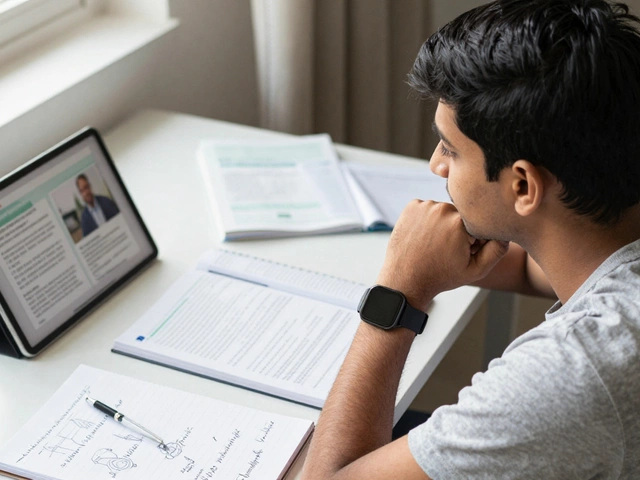
You’ve probably heard the phrase "make your bed" as a way to start the day right. But when it comes to studying or working online, the equivalent is setting up a dedicated learning station. It sounds simple enough-just grab a desk, plug in a laptop, and go. Yet, most people fail at this step because they treat their workspace like an afterthought. They end up studying on the couch with distractions everywhere, leading to burnout and poor retention. A proper learning station isn’t just about furniture; it’s about engineering your environment to support deep focus.
I live in Wellington, New Zealand, where the weather can be unpredictable. One minute it’s sunny, the next it’s raining sideways. This has taught me that my indoor environment needs to be a sanctuary of control. If you’re trying to learn complex topics via e-learning platforms, your physical space dictates your mental clarity. Let’s break down exactly how to build a setup that actually works, from lighting to tech gear.
Choosing the Right Location
The first mistake people make is picking a spot based on convenience rather than function. You might think your kitchen table is fine because it’s close to snacks. But kitchens are hubs of activity. Dishwashers hum, family members walk by, and the smell of cooking distracts your brain from retaining information.
Look for a corner of your home that offers visual separation from high-traffic areas. Ideally, this should be a room with a door you can close, but if you’re living in a small apartment, even a designated nook with a room divider works. The key is creating a psychological boundary. When you sit in this spot, your brain should know it’s time to work. When you leave, it’s time to relax. This separation reduces cognitive load because you aren’t constantly fighting off environmental triggers.
If you have multiple rooms, consider noise levels. A room near the street might seem quiet during the day, but morning traffic can ruin your concentration. Test the acoustics before committing. Sit there for ten minutes with your eyes closed. Can you hear the fridge humming? Can you hear neighbors talking? If yes, you’ll need soundproofing solutions later.
Furniture That Supports Long Sessions
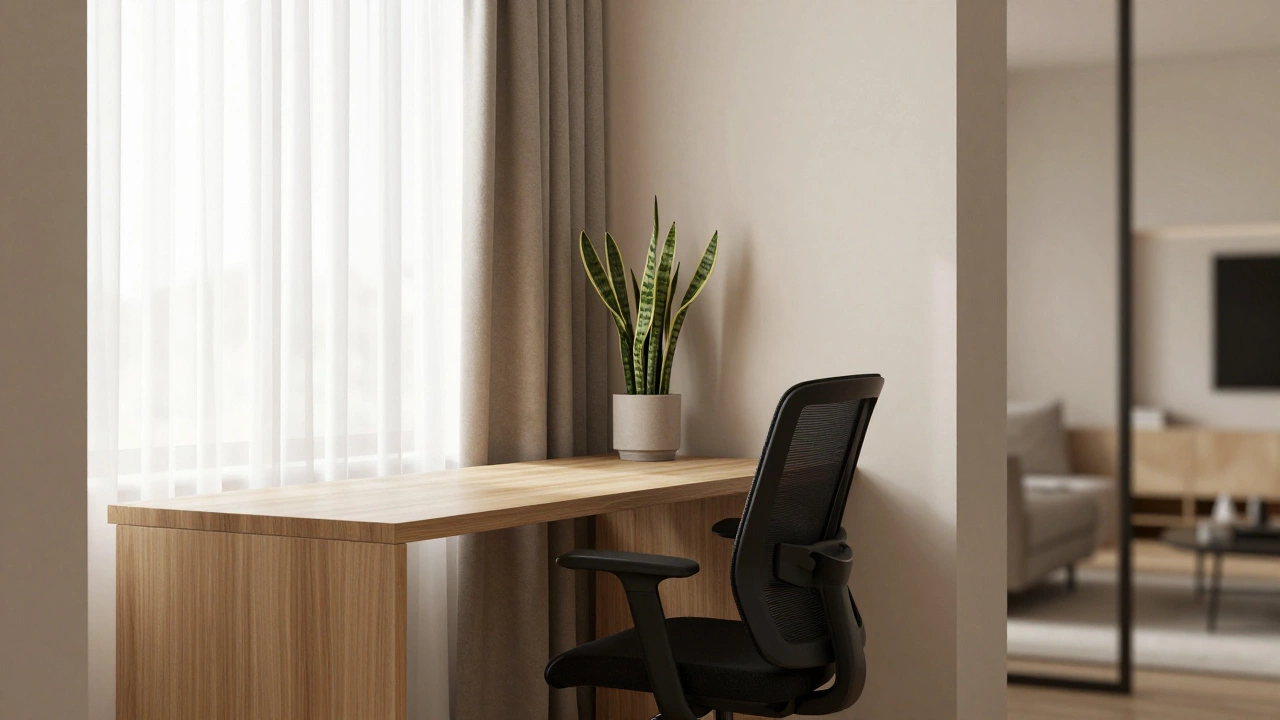
Your body affects your mind. If you’re slouching in a dining chair designed for thirty-minute meals, your posture will suffer within an hour. Poor posture restricts blood flow to the brain, making you feel tired and foggy. You need an ergonomic chair with lumbar support. Look for adjustable height and armrests so your elbows rest at a ninety-degree angle. This keeps your shoulders relaxed and prevents neck strain.
The desk itself matters too. A standard height desk is fine, but a standing desk converter or a fully adjustable standing desk allows you to switch positions throughout the day. Changing from sitting to standing every hour boosts circulation and keeps energy levels stable. Make sure the desk surface is large enough to hold your primary screen, a notebook, and perhaps a secondary device without feeling cramped. Clutter on the desk leads to clutter in the mind.
Lighting and Visual Comfort
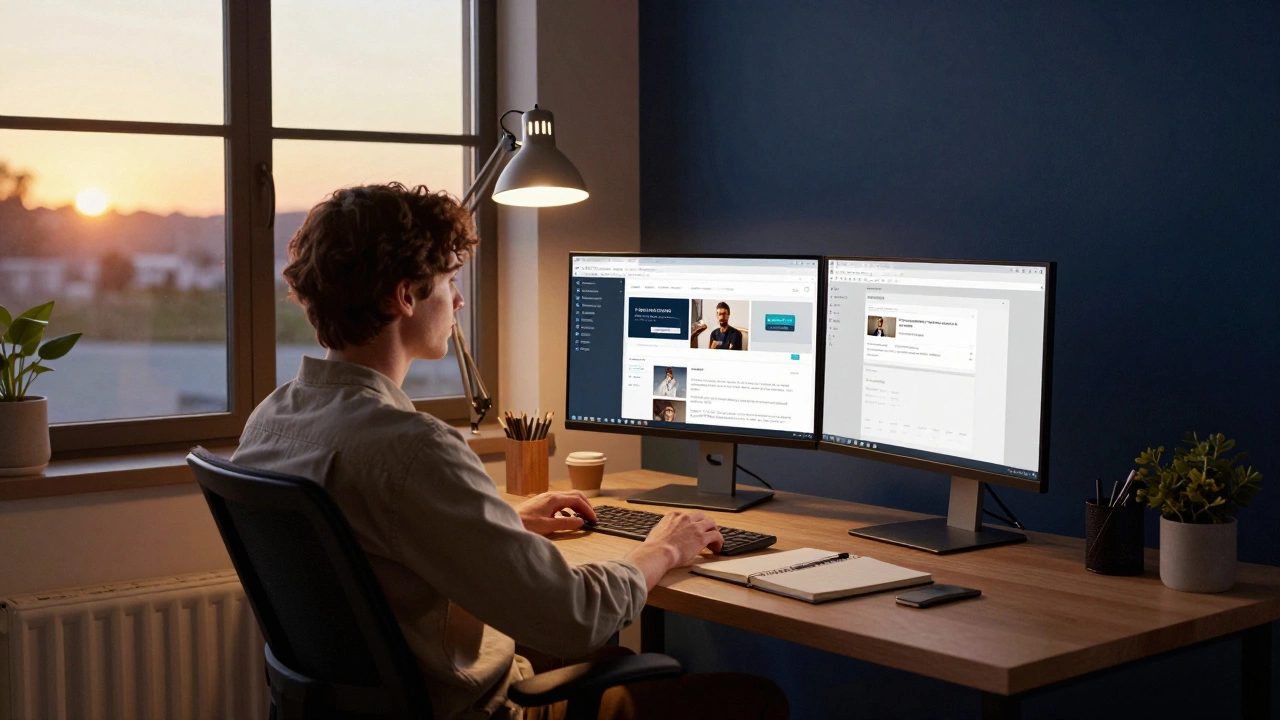
Natural light is the gold standard. Position your desk perpendicular to a window. Direct sunlight causes glare on screens, while sitting with your back to the window creates shadows on your face and papers. If natural light isn’t an option, invest in good artificial lighting. Avoid overhead fluorescent lights that flicker and cause eye strain. Instead, use a desk lamp with adjustable color temperature. Cooler light (around 5000K) helps maintain alertness during morning sessions, while warmer light (3000K) is better for evening review sessions to avoid disrupting sleep cycles.
Screen brightness should match the ambient light in the room. If your screen is too bright compared to a dark room, your eyes will tire quickly. Many modern monitors have auto-brightness features, but manually adjusting it to feel comfortable is often more effective. Consider using software like f.lux or Night Light modes on your devices to reduce blue light emission after sunset.
Tech Essentials for E-Learning
In today’s digital age, your hardware is your gateway to knowledge. A reliable computer is non-negotiable. Whether you prefer Windows, macOS, or Linux, ensure it has enough RAM (at least 8GB, preferably 16GB) to handle multiple browser tabs, video calls, and document editing simultaneously. Lagging systems break flow states instantly.
A second monitor is one of the best investments for productivity. It allows you to keep course materials open on one screen while taking notes or researching on the other. This eliminates the constant switching between windows that fragments attention. If a second monitor isn’t feasible, a large tablet used as a digital notepad serves a similar purpose.
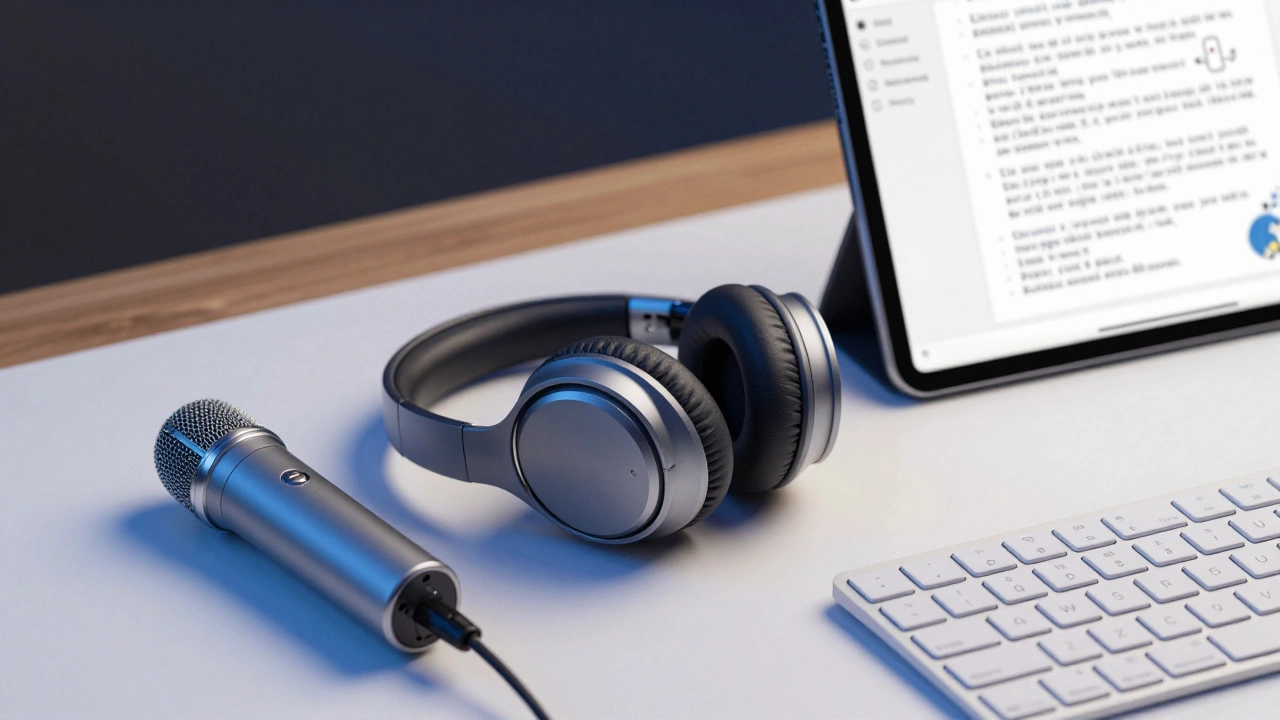
Audio quality is often overlooked. Built-in laptop speakers are rarely sufficient for long lectures. Noise-canceling headphones are essential if you live in a noisy household. They create a bubble of silence around you. For speaking parts, like group discussions or presentations, a decent USB microphone ensures your voice is clear without straining your throat.
Digital Organization and Tools
Your physical space is only half the battle. Your digital workspace needs equal attention. Start by organizing your desktop. Remove unnecessary icons and create folders for each course or project. Use cloud storage services like Google Drive or Dropbox to sync files across devices. This prevents data loss and allows you to access materials from anywhere.
Adopt a note-taking system early. Digital tools like Notion, Obsidian, or Evernote allow you to link ideas together, creating a personal knowledge base. Handwritten notes still have value for memory retention, so keeping a physical notebook nearby is wise. The hybrid approach-digital for searchability, analog for creativity-works best for many learners.
Browser extensions can also streamline your workflow. Ad blockers reduce distractions, while password managers save time logging into various e-learning platforms. Keep your browser tabs organized using collections or vertical tab managers to avoid losing track of resources.
Sometimes, finding the right community or resource requires looking beyond mainstream platforms. For instance, if you are exploring niche networking opportunities or specialized directories outside of education, you might stumble upon unique listings like those found on this directory, which highlights how specific niches organize their own verified databases-a principle that applies to curating your own trusted list of educational sources as well.
Maintaining the Space
A messy desk leads to a messy mind. End each session by tidying up. Put away pens, close notebooks, and shut down computers. This ritual signals to your brain that the workday is over, helping you disconnect and recharge. Weekly, do a deeper clean. Dust off screens, wipe down surfaces, and check cable management. Loose cables are tripping hazards and visual clutter.
Personalize the space moderately. Add a plant for a touch of nature, which has been shown to reduce stress. Hang inspiration quotes or a vision board if it motivates you. However, avoid over-decorating. Too many items compete for your attention. The goal is a calm, focused environment, not a gallery.
Troubleshooting Common Issues
If you find yourself getting distracted easily, reassess your setup. Is your phone within reach? Move it to another room. Are notifications popping up? Enable "Do Not Disturb" mode. Is your chair uncomfortable? Adjust the settings or replace it. Small tweaks often yield significant improvements in focus.
Internet connectivity is another common pain point. Ensure you have a strong Wi-Fi signal or use an Ethernet cable for stability. Buffering videos during lectures is frustrating and breaks concentration. Test your speed regularly and upgrade your plan if necessary.
What is the ideal size for a learning station?
A minimum desk size of 48 inches wide by 24 inches deep is recommended. This provides enough space for a monitor, keyboard, mouse, and some writing materials without feeling cramped. Larger desks allow for dual monitors and additional books.
Can I use a dining table as a learning station?
While possible, it’s not ideal. Dining tables lack ergonomic chairs and are often located in high-traffic areas. If you must use one, set it up exclusively for study hours and remove all dining-related items to create a mental shift.
How important is natural light for studying?
Very important. Natural light improves mood and alertness. Position your desk to benefit from indirect sunlight to avoid glare. If natural light is unavailable, use full-spectrum bulbs that mimic daylight.
What equipment do I need for online classes?
Essential items include a reliable computer, high-speed internet, noise-canceling headphones, a webcam, and a microphone. Optional but helpful additions are a second monitor, a document camera, and a comfortable ergonomic chair.
How often should I take breaks during study sessions?
The Pomodoro Technique suggests working for 25 minutes followed by a 5-minute break. After four cycles, take a longer break of 15-30 minutes. This helps maintain focus and prevents burnout.