Recent POST






Digital Platform Selector Tool
What is your primary goal?
Select one option below
Who is the audience?
Select one option below
How structured should the content be?
Select one option below
What level of interaction is needed?
Select one option below
You’ve probably heard the term "digital platform" thrown around in meetings, job descriptions, and tech news. It sounds fancy, but what does it actually mean when you strip away the jargon? At its core, a common digital platform is simply a piece of software that connects people. It’s the digital meeting place where users interact, share information, or complete tasks together.
In the world of education, this concept takes on a very specific shape. When we talk about a common digital platform in the context of e-learning, we are talking about the infrastructure that makes remote learning possible. It is not just a website with some PDFs; it is an ecosystem designed for interaction, tracking, and delivery of content.
The Anatomy of a Learning Platform
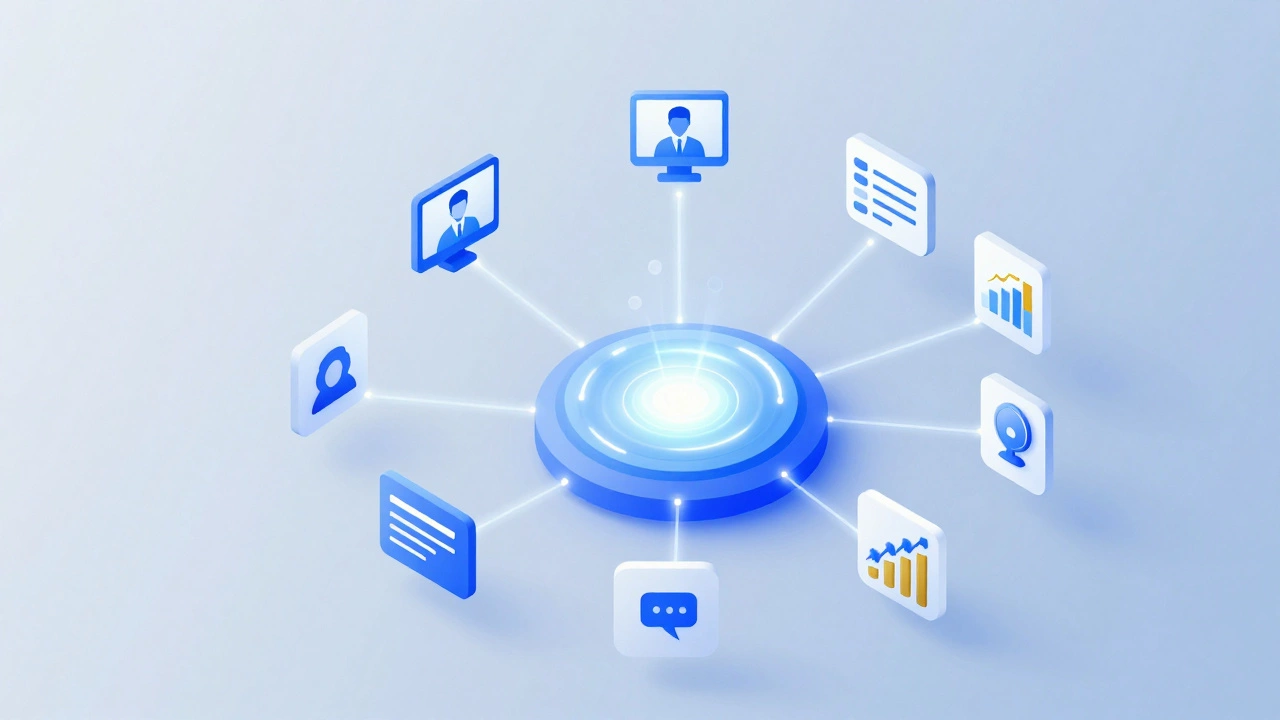
To understand what makes a platform "common" or standard in the industry, we need to look at the essential components. A robust educational platform isn’t just a video host like YouTube. It requires a structured environment known as a Learning Management System (LMS).
Learning Management System (LMS) is software application used for the administration, documentation, tracking, reporting, and delivery of educational courses or training programs. Unlike a simple blog, an LMS provides a central hub where instructors can upload materials and students can submit assignments.
Think of an LMS as the engine under the hood. It handles the heavy lifting: user authentication, progress tracking, and grade calculation. Without this backend structure, a digital platform is just a collection of files. With it, you have a functional school.
Most modern platforms also integrate several key features:
- Content Delivery: Hosting videos, text modules, and interactive quizzes.
- Communication Tools: Forums, chat rooms, and discussion boards for peer-to-peer interaction.
- Assessment Engines: Automated grading for multiple-choice questions and rubrics for essays.
- Analytics Dashboards: Visual data showing student engagement and completion rates.
Why Do We Need Centralized Platforms?
You might wonder why we don’t just use email and Zoom. The problem with fragmented tools is the loss of context and data. If your syllabus is on Google Docs, your lectures are on Zoom, and your grades are in Excel, nothing talks to each other. This creates friction for both teachers and learners.
A common digital platform solves this by creating a single source of truth. For an instructor, this means uploading a lesson once and having it accessible to all enrolled students instantly. For a student, it means logging into one place to see their schedule, access materials, and check their grades. This consolidation reduces cognitive load and technical barriers.
Consider the experience of a university student in 2026. They likely move between campus and home seamlessly. Their platform must be responsive, working equally well on a desktop computer in the library and a smartphone on the bus. This mobility is a defining characteristic of successful digital platforms today.
Types of Digital Learning Platforms
Not all platforms are built the same way. Depending on the goal, they fall into distinct categories. Understanding these differences helps you choose the right tool for your needs.
| Platform Type | Primary Use Case | Key Feature | Example Entities |
|---|---|---|---|
| LMS (Learning Management System) | Structured courses, universities, corporate training | Gradebook, enrollment management | Canvas, Blackboard, Moodle |
| MOOC (Massive Open Online Course) | Public, self-paced learning at scale | Open access, certification options | Coursera, edX, Udacity |
| VLE (Virtual Learning Environment) | K-12 schools, collaborative classrooms | Student portals, parent communication | Google Classroom, Schoology |
| Skill-Based Platforms | Professional development, micro-credentials | Project-based learning, portfolio building | LinkedIn Learning, Pluralsight |
An LMS like Canvas is often locked behind institutional login walls, ensuring only enrolled students participate. In contrast, a MOOC platform like Coursera invites anyone from anywhere to join, relying on community moderation rather than strict administrative control.
The Role of Interactivity in Modern Platforms
Early digital platforms were static. You read a page, maybe watched a pre-recorded lecture, and took a quiz. Today, the expectation is interactivity. A common digital platform in 2026 must facilitate active learning, not passive consumption.
This shift has led to the integration of gamification elements. Badges, leaderboards, and progress bars tap into our psychological desire for achievement. These aren’t just gimmicks; studies show they can increase course completion rates by up to 20% in certain demographics. However, the design must be thoughtful. Over-gamifying a serious medical exam preparation course can undermine the gravity of the subject matter.
Real-time collaboration is another critical feature. Tools that allow multiple students to edit a document simultaneously or brainstorm on a shared whiteboard mimic the dynamics of a physical classroom. This bridges the gap between isolation and connection, which is often the biggest hurdle in online education.
Accessibility and Inclusivity Standards
A truly common digital platform must be accessible to everyone. This isn’t just a nice-to-have; in many regions, it’s a legal requirement. Accessibility means designing for users with visual, auditory, motor, or cognitive disabilities.
Key attributes of an accessible platform include:
- Screen Reader Compatibility: All images must have alt-text, and navigation must be keyboard-friendly.
- Captioning: Video content must have accurate, synchronized captions for the deaf and hard-of-hearing.
- Color Contrast: Text and background colors must meet WCAG (Web Content Accessibility Guidelines) standards to aid those with low vision.
- Flexible Timing: No artificial time limits on quizzes unless timing is part of the learning objective.
If a platform fails these checks, it excludes a significant portion of the potential audience. For institutions, this poses reputational and legal risks. For learners, it creates unnecessary barriers to education.
Data Privacy and Security Concerns
When you use a digital platform, you are generating data. Your login times, click patterns, quiz scores, and even forum posts are recorded. Who owns this data? How is it protected? These are critical questions in the age of AI and big data.
Reputable platforms adhere to strict privacy frameworks such as GDPR (General Data Protection Regulation) in Europe or FERPA (Family Educational Rights and Privacy Act) in the United States. These regulations dictate how student data can be collected, stored, and shared.
As AI tutors become more common, integrated directly into platforms, new ethical questions arise. Is the AI using your personal answers to train its models? Can it inadvertently reveal biases? A transparent platform will clearly state its data usage policies and give users control over their information. Always check the privacy policy before enrolling.
Choosing the Right Platform for Your Needs
Whether you are an educator setting up a course or a learner looking for skills, choosing the right platform matters. Here is a quick decision framework:
- Define Your Goal: Are you seeking a formal degree, a professional certificate, or casual knowledge? Formal paths require accredited LMS platforms. Casual learning might suit open MOOCs.
- Check Integration: Does the platform work with tools you already use? If your team uses Slack, does the platform send notifications there? If your school uses Microsoft 365, is the LMS compatible?
- Evaluate User Experience (UX): Try the free demo. Is the interface intuitive? Can you find resources without clicking through five menus? Poor UX leads to dropouts.
- Review Support: What happens when things break? Look for platforms with dedicated customer support, not just automated bots.
For individual learners, cost is often the deciding factor. Many platforms offer free audits of courses, allowing you to access materials without paying for certificates. For institutions, total cost of ownership includes licensing fees, implementation costs, and ongoing maintenance.
The Future of Digital Learning Platforms
We are moving toward more personalized and immersive experiences. Artificial Intelligence will increasingly tailor content to individual learning speeds and styles. Instead of a one-size-fits-all lecture, an AI-driven platform might suggest a video for visual learners and a podcast for auditory learners on the same topic.
Virtual Reality (VR) and Augmented Reality (AR) are also beginning to integrate. Imagine a medical student practicing surgery in a VR simulation hosted on the platform, or a history student walking through a reconstructed ancient city. While still emerging, these technologies promise to make abstract concepts tangible.
Blockchain technology may soon handle credentialing. Instead of waiting weeks for a paper diploma, your achievements could be recorded on an immutable ledger, instantly verifiable by employers. This shifts the power dynamic, giving learners more control over their educational records.
What is the difference between an LMS and a VLE?
While often used interchangeably, there is a subtle distinction. An LMS (Learning Management System) focuses on the administration and delivery of courses, emphasizing tracking and grading. A VLE (Virtual Learning Environment) emphasizes the social and collaborative aspects of learning, providing a space for interaction and resource sharing. Most modern platforms blend both functionalities.
Are free digital platforms reliable for professional certification?
It depends on the provider. Platforms like Coursera or edX partner with top universities and companies to offer verified certificates that hold weight in the job market. Free alternatives may provide knowledge but often lack the accreditation needed for professional advancement. Always verify if the certificate is recognized by industry bodies.
How do digital platforms ensure academic integrity?
Modern platforms use proctoring software that monitors exams via webcam and screen recording. Some use AI to detect suspicious behavior patterns, such as eye movement away from the screen or multiple faces in the frame. Others rely on randomized question banks and timed assessments to reduce cheating opportunities.
Can I use a digital platform for corporate training?
Yes, many platforms are specifically designed for corporate environments. These are often called Learning Experience Platforms (LXP). They focus on skill development, compliance training, and onboarding. They integrate with HR systems to track employee progress and link training completion to performance reviews.
What technical specifications are needed to run an LMS?
For cloud-based SaaS (Software as a Service) platforms, you only need a stable internet connection and a modern web browser. No server maintenance is required. For self-hosted solutions like Moodle, you need a dedicated server with sufficient RAM, CPU power, and database management capabilities, along with IT staff to maintain security and updates.