Recent POST




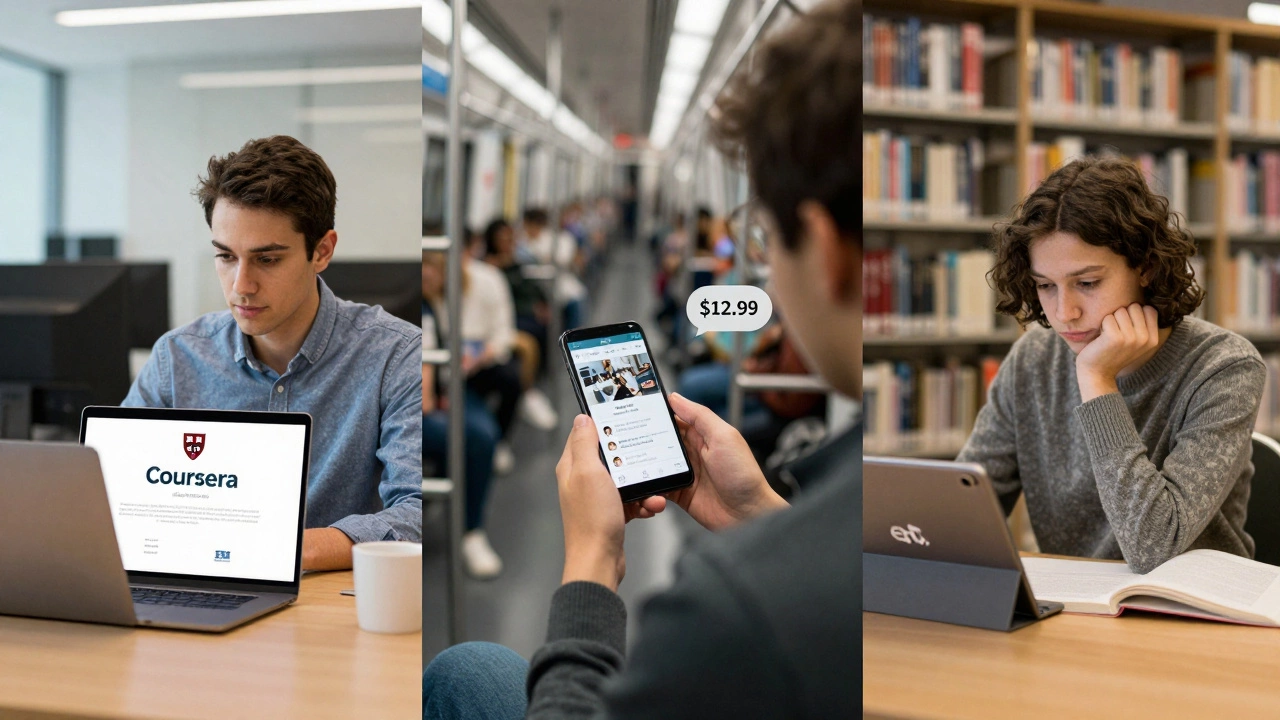
If you’re trying to pick the best learning platform for online courses, you’re not alone. Millions of people jump into online learning every year-some to switch careers, others to pick up a new skill, and a lot just to stay sharp. But with so many options out there, it’s easy to feel overwhelmed. Which one actually delivers? Which one wastes your time and money? And more importantly, which one fits your goals?
It depends on what you want to learn
There’s no single best platform for everyone. Think of it like choosing a gym. One might have the best weights, another the best classes, and a third the cheapest membership. The same goes for learning platforms. What matters isn’t the brand-it’s whether the platform matches what you’re trying to do.
Want to become a data scientist? You’ll need structured courses with projects, certifications, and maybe even mentorship. Looking to learn Spanish for travel? You might just need bite-sized lessons you can do on your phone during your commute. The platform you choose should match your goal, not the other way around.
Coursera: For degrees and professional credentials
Coursera stands out because it partners directly with universities and companies like Stanford, Yale, Google, and IBM. If you’re looking for something that looks good on a resume, Coursera is where you’ll find it. You can take individual courses, but where it really shines is in its Specializations and Professional Certificates. These are multi-course programs designed with industry input-like Google’s IT Support Certificate or IBM’s Data Analyst Professional Certificate.
Many of these certificates can be applied toward college credits or even full degrees. For example, you can earn a Master’s in Computer Science from the University of Illinois through Coursera for under $10,000-far less than on-campus tuition. The downside? Prices can add up. A single certificate often costs $49-$99 per month, and you might need six months to finish. But if you’re serious about career advancement, the ROI is real.
Udemy: For practical, hands-on skills
Udemy is the Amazon of online learning. It’s not affiliated with universities. Instead, it’s a marketplace where anyone can create and sell a course. That means the quality varies wildly-but so does the variety. Want to learn how to build a website with WordPress? There’s a course for that. How to fix your leaky faucet? There’s a course for that too.
The big advantage? Udemy courses are almost always on sale. You can buy a full course on Python, Photoshop, or digital marketing for as little as $12.99. That’s less than a coffee at Starbucks. And because courses are self-paced, you can start and stop whenever you want. No deadlines, no pressure.
But here’s the catch: Udemy doesn’t offer accredited certificates. Employers won’t recognize them the way they do Coursera’s IBM or Google certs. So if you’re aiming for a promotion or a new job in a formal industry, Udemy is great for skill-building-but you’ll need to prove your skills another way, like through a portfolio or project.
edX: The academic heavyweight
edX was started by Harvard and MIT in 2012. It’s the most academically rigorous of the big three. If you want to learn from professors who wrote the textbooks, edX is your place. You’ll find courses in quantum physics, philosophy, economics, and computer science from top universities around the world.
Most courses are free to audit-you can watch lectures and read materials without paying. But if you want a verified certificate (which employers sometimes accept), you’ll pay $50-$300. Some programs even offer MicroMasters, which are graduate-level sequences that can count toward a full master’s degree at partner schools.
edX is ideal if you’re a lifelong learner, a student looking to supplement your studies, or someone who values academic depth over quick career hacks. But if you’re in a hurry to land a job in tech or design, edX might feel too slow and theoretical.

LinkedIn Learning: For professionals already in the workforce
LinkedIn Learning used to be called Lynda.com. It’s owned by LinkedIn, and that matters. If you’re already on LinkedIn-where recruiters, hiring managers, and industry peers hang out-this platform integrates directly with your profile. When you finish a course, it automatically adds it to your profile under "Licenses & Certifications." That’s huge.
The library is focused on business, tech, and creative skills. You’ll find courses on Excel, project management, public speaking, and even AI for managers. It’s not heavy on academic theory. It’s about what you need to do tomorrow at work.
It’s not cheap on its own-$39.99/month-but if you already have a LinkedIn Premium account, it’s included. For professionals who want to stay relevant and visible, this is one of the most underrated tools out there.
Pluralsight: For tech and IT roles
If you work in software development, cybersecurity, cloud computing, or IT infrastructure, Pluralsight is worth a look. It’s built by engineers, for engineers. The content is updated constantly, and the platform tracks your skill level using its proprietary Skill IQ and Role IQ assessments.
Instead of just watching videos, you get hands-on labs, quizzes, and path-based learning. For example, if you want to become an AWS Solutions Architect, Pluralsight gives you a step-by-step path with courses, labs, and practice exams-all mapped to real certification requirements.
It’s pricier than Udemy at $29-$45/month, but if you’re in tech and want to level up fast, it’s one of the most efficient platforms out there. Most companies that hire developers already have a Pluralsight subscription for their teams.
What most people get wrong
People think the best platform is the one with the most courses. That’s not true. It’s the one that keeps you going.
Studies show that 95% of people who start an online course never finish it. Why? Because they picked the wrong one. Not because it was bad. Because it didn’t fit their rhythm.
If you’re the kind of person who needs deadlines, structure, and feedback, go for Coursera or edX. If you’re self-driven and just want to learn something new on your schedule, Udemy or LinkedIn Learning will work better. If you’re in tech and need to prove your skills to employers, Pluralsight gives you the tools to do that.
Also, don’t ignore free options. YouTube has amazing channels for programming, design, and business. Khan Academy is still unbeatable for math and science basics. Many universities post full lectures for free on their websites. You don’t need to pay to learn-you just need to know where to look.
How to pick your platform in 3 steps
- Define your goal. Are you trying to get a job? Get promoted? Learn a hobby? Write it down. If your goal is vague, your choice will be too.
- Check the outcome. Does the platform offer something tangible? A certificate? A portfolio project? A skill assessment? If not, you’ll have to prove your learning yourself-and that takes more work.
- Try before you commit. Most platforms offer free trials or free course audits. Take one. Spend 20 minutes. If you’re bored, move on. If you’re hooked, stick with it.
Final verdict: Who wins in 2026?
There’s no single winner. But if you had to pick one platform to recommend to most people, it would be Coursera. Why? Because it balances credibility, structure, and real-world value. It’s the only platform where you can go from zero to certified professional in fields like data analysis, digital marketing, or project management-and have that certification recognized by employers worldwide.
But if you’re on a tight budget, Udemy is your best friend. If you’re in tech, Pluralsight will get you hired faster. If you’re already working and want to grow quietly, LinkedIn Learning is the silent powerhouse.
The real best platform? The one you actually use.
Is it worth paying for online learning platforms?
Yes-if you’re learning something that leads to a job, promotion, or certification. Free courses teach you things. Paid courses often give you credentials, feedback, and projects you can show employers. If you’re just curious, free options like YouTube or Khan Academy are fine. But if you’re serious about your career, spending $20-$50 on a course that gives you a certificate is one of the best investments you can make.
Can I get a job with just an online certificate?
Absolutely. Google, IBM, and Meta all offer certificates that are accepted by thousands of employers. Many companies now prioritize skills over degrees. A Coursera Professional Certificate in Data Analytics or a LinkedIn Learning course in Agile Project Management can land you an entry-level job. But you still need to show what you can do-build a portfolio, contribute to open-source projects, or take on freelance gigs to prove your skills.
Are free courses any good?
Some of the best learning on the internet is free. MIT OpenCourseWare, Stanford’s free lectures, and YouTube channels like freeCodeCamp and Corey Schafer have helped millions learn programming. The catch? You won’t get feedback, certification, or structure. You’ll need to be highly self-disciplined. Free courses are great for exploration. Paid ones are better for career change.
How long does it take to complete a course on these platforms?
It varies. A single Udemy course might take 5-10 hours. A Coursera Specialization usually takes 3-6 months if you study 3-5 hours a week. Pluralsight paths for certifications can take 40-100 hours. The key isn’t speed-it’s consistency. Even 20 minutes a day adds up. Most people who finish courses do so because they made learning a habit, not because they crammed.
Do these platforms work on mobile?
All of them do. Coursera, Udemy, LinkedIn Learning, and edX all have solid mobile apps. You can watch videos, take quizzes, and even download content for offline use. That’s why so many people learn during their commute or while waiting in line. Mobile learning isn’t a backup-it’s the main way most people learn now.
What to do next
Don’t wait for the perfect platform. Start with one that matches your goal and try it for a week. If it doesn’t feel right, switch. There’s no penalty for trying. The only mistake is doing nothing.
Take five minutes right now. Open your browser. Go to Coursera, Udemy, or LinkedIn Learning. Search for a course you’ve been curious about. Click "Preview" or "Start for Free." Watch the first lesson. If you feel even a little excited, you’ve already taken the first step. The rest will follow.