Recent POST





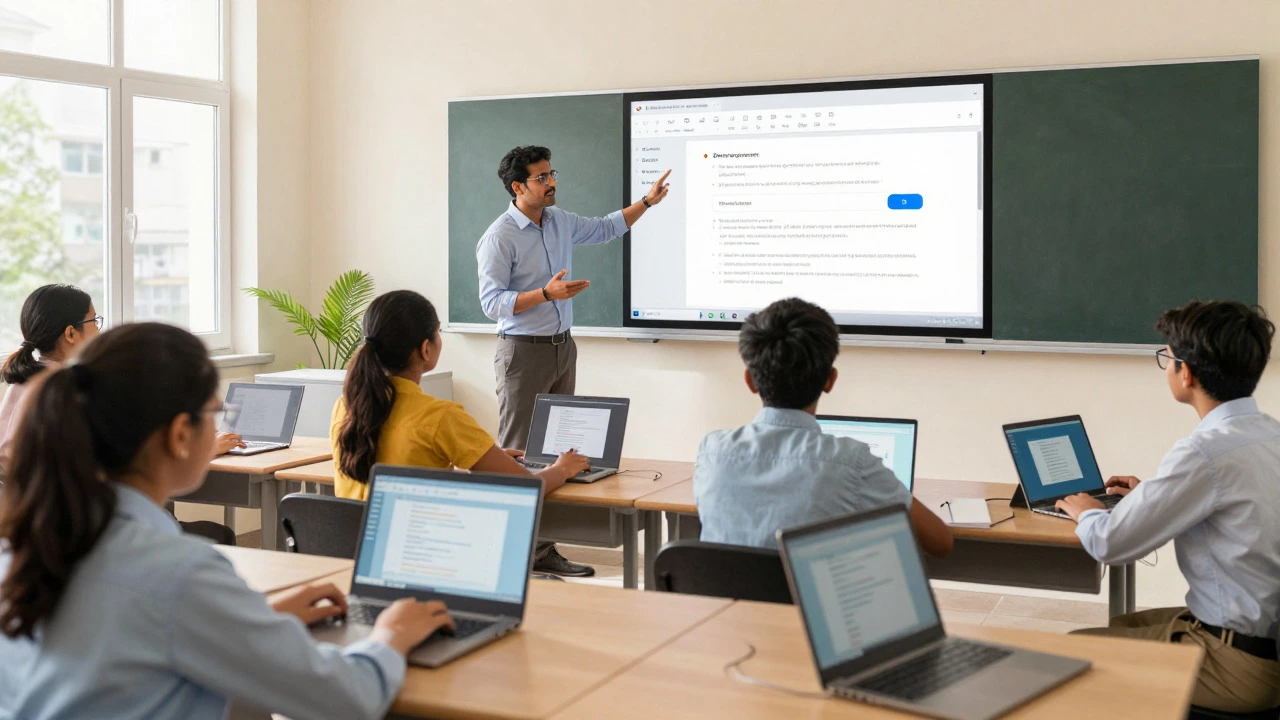
You probably use Google every day. You search for answers, check your email, or store files in the cloud. But when it comes to digital platform definitions, especially in education, things get fuzzy. Is Google just a search engine? Or is it a full-blown platform that powers how we learn today? The short answer is yes, but with a twist. Google isn't one single thing; it's an ecosystem of tools that functions as a massive digital infrastructure for e-learning.
If you are trying to decide whether to build your course on Google Workspace, Moodle, or Canvas, understanding this distinction matters. It changes how you manage students, protect data, and deliver content. Let’s break down exactly what makes Google a platform and why educators treat it like one.
Defining a Digital Platform in Education
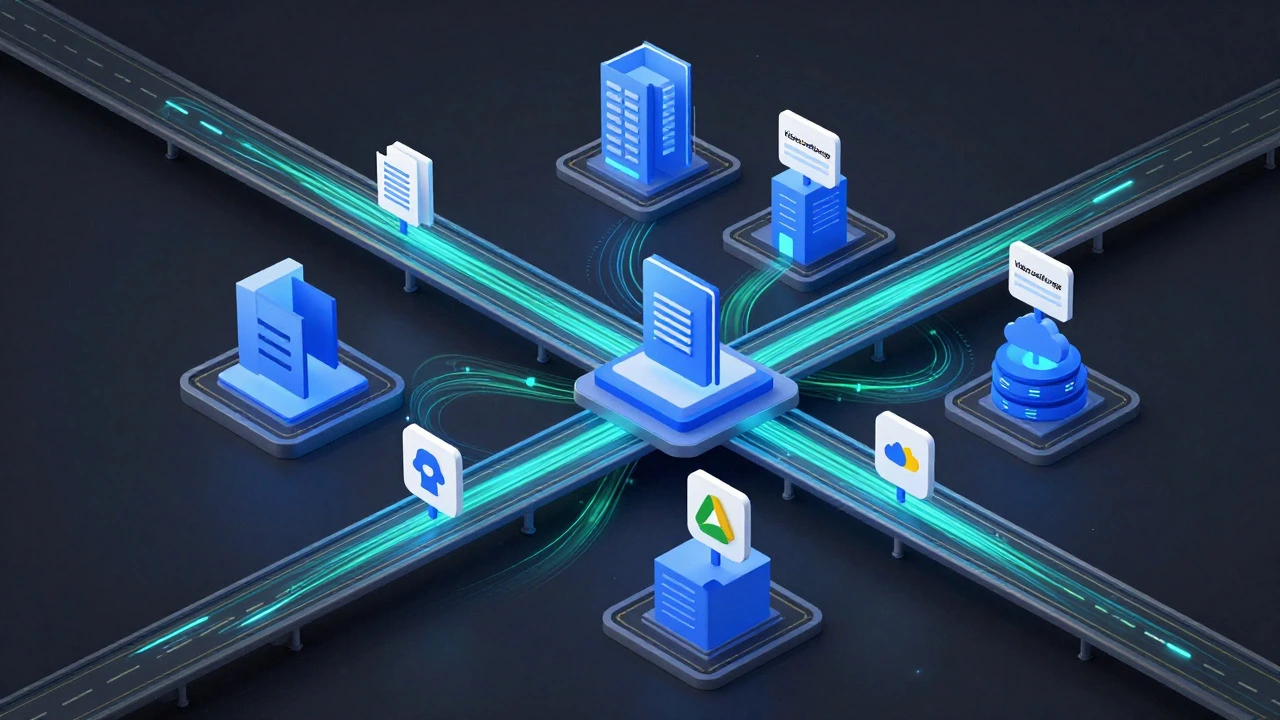
Before we judge Google, we need to know what a "platform" actually is. In the context of e-learning, a digital platform is more than just a website. It is a technological foundation that allows different services to interact. Think of it like a city. A website is a house. A platform is the entire grid of roads, power lines, and water systems that lets houses, shops, and schools function together.
For a tool to be considered a true e-learning platform, it usually needs three things:
- Interoperability: It can connect with other apps (like video conferencing or quiz makers).
- User Management: It handles logins, permissions, and roles (teacher vs. student).
- Data Persistence: It stores work securely so users can access it later from any device.
When you look at these criteria, Google fits the bill perfectly. But it doesn’t wear a label that says "LMS" (Learning Management System) on its forehead. Instead, it offers the building blocks that make an LMS possible.
What is the difference between a website and a digital platform?
A website is typically a collection of pages for viewing information. A digital platform provides interactive services, user accounts, data storage, and integration capabilities with other software. For example, a school brochure site is a website, but Google Classroom is a platform because it manages assignments, grades, and communication.
Google’s Ecosystem: More Than Just Search
Most people think of Google as a search bar. That’s the tip of the iceberg. The real engine behind Google is its cloud infrastructure. This includes Gmail, Drive, Docs, Sheets, Slides, Meet, and Chromebooks. When combined under Google Workspace for Education is a suite of cloud-based productivity and collaboration tools designed specifically for schools and universities., these tools create a seamless environment for teaching and learning.
Consider a typical online class. A teacher creates a syllabus in Google Docs is a web-based word processor that allows real-time collaborative editing.. They host a live lecture via Google Meet is a video conferencing service that integrates directly with Google Calendar and Classroom.. Students submit essays through Google Classroom is a free blended learning platform developed by Google for schools that aims to simplify creating, distributing, and grading assignments.. All of this happens without leaving the Google environment. No downloading files, no switching passwords, no compatibility issues. That cohesion is the hallmark of a platform.
The key here is integration. If you had to use Zoom for video, Microsoft Word for writing, and a separate email client for communication, you’d be jumping between five different platforms. Google keeps everything in one place. This reduces friction for students and teachers alike.
Google Classroom vs. Traditional LMS
This is where confusion often starts. People ask, "Is Google an LMS?" Technically, Google Classroom acts as an LMS, but it’s lightweight compared to heavy-duty systems like Blackboard or Canvas. Let’s compare them to see where Google stands.
| Feature | Google Classroom | Canvas / Moodle | Traditional Website |
|---|---|---|---|
| User Management | Yes (via Google Admin) | Yes (Robust) | No |
| Assignment Grading | Basic (Comments, Rubrics) | Advanced (Gradebooks, Analytics) | No |
| Integration | Native (Docs, Drive, Meet) | API-based (Third-party apps) | Limited |
| Cost | Free for most schools | Often paid licenses | Hosting costs only |
| Customization | Low | High | Medium |
Google Classroom wins on simplicity and cost. It’s perfect for K-12 schools or small colleges that don’t need complex analytics. However, if you’re running a large university with thousands of courses, credit transfers, and intricate grading policies, you might find Google too limited. In those cases, institutions often use Google as the *foundation* but layer a traditional LMS on top using APIs.
This hybrid approach is common. For example, a university might use Canvas for gradebooks but require all submissions to happen in Google Drive. Here, Google serves as the content creation and storage platform, while Canvas serves as the administrative platform. Both are digital platforms, just serving different jobs.
Why Google Fits the "Platform" Definition
To satisfy the strict definition of a digital platform, a system must enable third-party developers to build upon it. Google does this extensively. Through the Google Apps Script is a cloud-based scripting language for light-weight application development in the Google Apps platform., developers can create custom add-ons for Sheets and Docs. Educational tech companies build quizzes, plagiarism checkers, and accessibility tools that plug directly into Google Workspace.
Furthermore, Google supports standards like LTI (Learning Tools Interoperability). This means external educational tools can launch inside Google Classroom. If a math app wants to send scores back to a teacher’s dashboard, it can do so through Google’s API. This openness is critical. A closed system is just software. An open system that invites others to build on it is a platform.
Think about it: If you buy a car, it’s a product. If you buy a smartphone, it’s a product. But if you buy an iPhone, you’re buying a platform because you can download apps from thousands of other creators. Google Workspace works the same way. It’s the operating system for modern education.
Privacy and Data Control: The Platform Responsibility
Being a platform comes with responsibilities, especially regarding student data. Under laws like FERPA in the US or GDPR in Europe, schools must protect student information. Because Google hosts so much data, it faces strict scrutiny. Is Google safe enough to be called an educational platform?
Generally, yes. Google signs Data Privacy Agreements (DPAs) with schools, ensuring they don’t sell student data for ads. In fact, Google Workspace for Education has been ad-free for years. However, the sheer size of Google’s data collection elsewhere raises eyebrows. Critics argue that keeping students in the Google ecosystem creates a "walled garden" where habits formed in childhood extend into adulthood.
For educators, the trade-off is convenience versus control. Google makes sharing easy, but it also means your institution relies on Google’s servers. If Google goes down, your class stops. Traditional LMS providers often offer more localized hosting options, giving schools more control over their data residency. This is a crucial consideration when deciding if Google is the right primary platform for your specific context.
How to Use Google as Your Primary Learning Platform
If you’ve decided that Google’s ecosystem meets your needs, how do you structure it effectively? You don’t just throw links into a folder. You need to design a workflow. Here is a practical checklist for setting up a robust Google-based learning environment:
- Centralize Communication: Use Google Groups or Classroom announcements for all official updates. Avoid emailing individual students unless necessary.
- Standardize File Naming: Create a template for document names (e.g., StudentName_Assignment1_Date). This prevents chaos in shared drives.
- Use Shared Drives: Don’t rely on personal Google Drives for class materials. Use Shared Drives so that if a teacher leaves, the files remain with the department.
- Integrate Video: Record lectures using YouTube (set to "Unlisted") or upload to Drive. Embed these videos directly into Classroom posts.
- Leverage Forms: Use Google Forms for quizzes and surveys. It auto-grades multiple-choice questions and exports results to Sheets instantly.
This structure turns a collection of apps into a cohesive platform. Without these rules, Google feels like a messy desktop. With them, it becomes a streamlined classroom.
Alternatives to Consider
While Google is powerful, it’s not the only option. Depending on your technical comfort level and budget, other platforms might serve you better.
- Microsoft Teams for Education: Similar to Google, but integrated with Office 365. Better for institutions already invested in the Microsoft ecosystem.
- Moodle: Open-source and highly customizable. Ideal for universities that want full control over code and data.
- Kahoot! or Quizizz: Not full platforms, but excellent gamified assessment tools that integrate with Google.
The best choice depends on your existing infrastructure. If your school uses iPads and Chromebooks, Google is likely the smoother fit. If you use Windows PCs and Macs heavily, Microsoft might feel more natural.
Is Google Classroom free?
Yes, Google Classroom is free for individuals and most K-12 schools. Universities may need to pay for additional storage or admin features through Google Workspace for Education Plus or Teaching and Learning Upgrade plans.
Can I use Google without an LMS?
Absolutely. Many tutors and small course creators use Google Drive folders and Google Sites to host their courses. While it lacks automated grading, it is sufficient for self-paced learning where interaction is minimal.
Does Google track student activity?
Google collects usage data to improve its services, but for Education accounts, it guarantees no advertising based on student data. Administrators can view audit logs to see who accessed which files, providing transparency for schools.
What happens if Google goes offline?
Google experiences rare outages. During these times, offline modes for Docs and Sheets allow continued work if files were previously opened. However, real-time collaboration and submission features will pause until service is restored.
Is Google better than Canvas for higher education?
It depends on complexity. For simple courses, Google is faster and easier. For complex programs requiring detailed gradebooks, accreditation tracking, and SCORM compliance, Canvas or Blackboard are superior choices.
In the end, calling Google a digital platform is accurate, but it requires nuance. It is the infrastructure layer of modern e-learning. Whether it’s the *best* platform for you depends on how much control you need versus how much convenience you value. For most beginners and K-12 educators, Google’s ease of use makes it the default champion. For advanced institutions, it’s a vital piece of a larger puzzle.