Recent POST





LMS vs SCORM: Diagnostic & Compatibility Checker
Select Your Scenario
Click on the situation that best describes your current challenge.
Select a scenario from the left to see how LMS and SCORM interact to solve it.
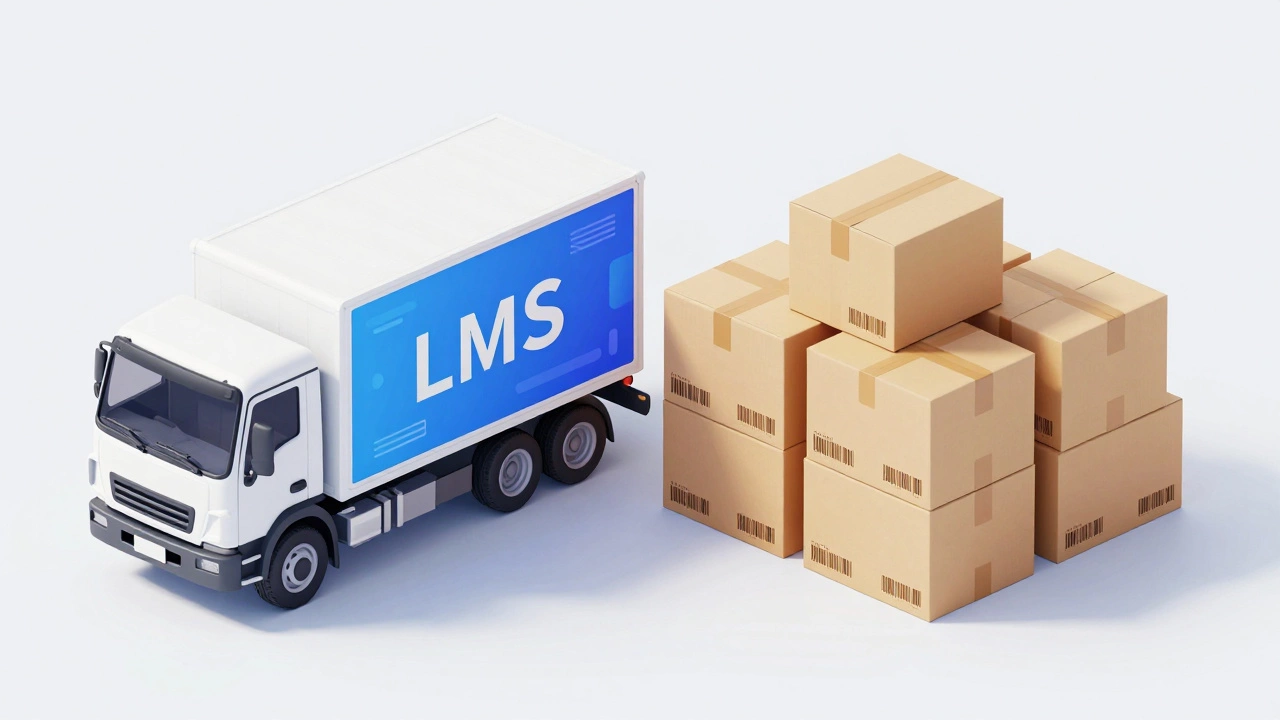
Imagine you are trying to move a library of books from one house to another. You need two things: the trucks to transport the boxes (the delivery system) and a standard way to pack those boxes so they don't spill or get lost (the packing protocol). In the world of digital training, this exact dynamic plays out every day between an LMS is a software application for the administration, documentation, tracking, reporting, and delivery of educational courses or training programs. and SCORM is Sharable Content Object Reference Model, a set of technical standards for web-based e-learning.. If you have ever struggled to upload a course file only to see it fail, or wondered why your training data isn't syncing correctly, you are likely facing the gap between these two concepts.
Confusing the LMS with SCORM is like confusing a smartphone with the MP3 format. One is the device that runs the software; the other is the language the software uses to communicate. Getting this distinction right saves hours of technical headaches and ensures your training actually works across different platforms.
The Learning Management System: Your Digital Classroom
An LMS is the platform where learners log in. It is the interface, the database, and the command center. When you think of an LMS, think of tools like Moodle, Blackboard, Canvas, or Cornerstone OnDemand. These systems handle user accounts, track who has completed which module, store certificates, and generate reports for managers.
The primary job of an LMS is to manage the *process* of learning. It answers questions like:
- Who needs to take this compliance training?
- Did John finish the safety module last week?
- What was Sarah's score on the final quiz?
Without an LMS, you would have to manually email quizzes, collect paper forms, and update spreadsheets. The LMS automates this administrative burden. However, an LMS is just a container until you put content inside it. That is where the confusion often starts. People assume the LMS creates the content, but usually, the content comes from elsewhere-either built by instructional designers using authoring tools like Articulate Storyline or Adobe Captivate, or downloaded from third-party providers.
SCORM: The Universal Language for Content
If the LMS is the player, SCORM is the CD. SCORM is a specification that defines how e-learning content should be packaged and communicated with an LMS. Developed originally by the US Department of Defense in the late 1990s, SCORM was created to solve a massive problem: vendor lock-in. Before SCORM, if you bought training content from Vendor A, it would only work on Vendor A's proprietary system. If you switched your LMS later, all your expensive content became useless.
SCORM fixed this by establishing a common API (Application Programming Interface). When a piece of content is "SCORM-compliant," it means it follows specific rules for how it talks to the LMS. It knows how to say "I am starting now," "The learner clicked next," "The learner passed the quiz," and "I am finished."
Think of SCORM as a translator. Without it, the LMS doesn't know what is happening inside the interactive HTML5 slides. With SCORM, the LMS receives structured data points about the learner's progress. This interoperability is why SCORM remains the industry standard decades after its inception, even though newer technologies exist.
| Feature | LMS (Learning Management System) | SCORM (Standard) |
|---|---|---|
| Definition | Software platform for delivering and tracking training | Technical standard for packaging and communicating content |
| Primary Function | User management, reporting, course hosting | Ensures content works across different LMS platforms |
| Analogy | The Smartphone | The MP3 File Format |
| Creation Tool | Built by developers (e.g., Moodle, Docebo) | Applied by authoring tools (e.g., Articulate, Captivate) |
| Data Handling | Stores and displays learner records | Sends completion and score data to the LMS |
| Interoperability | Must support standards to accept external content | Is the standard itself |
How They Work Together: The Communication Loop
To understand the relationship, you have to look at the moment a learner clicks "Start Course." Here is the step-by-step interaction that happens behind the scenes:
- Launch: The learner clicks the course title in the LMS. The LMS recognizes the file is SCORM-compliant and opens the content in a new window or frame.
- Initialization: The SCORM content sends a message to the LMS: "Initialize." It asks for the learner's name and ID.
- Interaction: As the learner progresses through slides, takes quizzes, or watches videos, the SCORM package tracks events locally.
- Suspension: If the learner closes the browser halfway through, the SCORM content sends a "suspend" call, saving their current location (e.g., Slide 4 of 10).
- Completion: When the learner finishes, the SCORM package sends a "commit" call. It pushes the final score (e.g., 85%) and status ("completed") back to the LMS database.
If either side fails, the magic breaks. If the LMS doesn't support the specific version of SCORM (like SCORM 1.2 vs. SCORM 2004), the content might load but never record the grade. If the content wasn't published correctly as SCORM, the LMS sees it as a blank page or a static PDF with no tracking capability.
Common Pitfalls and Troubleshooting
Even experienced administrators run into issues when mixing LMS and SCORM. Here are the most frequent problems and how to fix them.
1. The "Blank Screen" Error
This usually happens when the SCORM package is corrupted during upload. Zip files can sometimes contain hidden folder structures that confuse the LMS parser. Always republish your course from the authoring tool immediately before uploading. Do not unzip and re-zip the files manually unless you know exactly what you are doing.
2. Scores Not Updating
If a learner completes a quiz but the LMS shows "In Progress," the communication link failed. Check if the SCORM version matches. Older LMS platforms may only support SCORM 1.2, while modern authoring tools default to SCORM 2004. Mismatched versions cause the data handshake to fail. Try republishing as SCORM 1.2 if you are using an older system.
3. Resume Failure
Learners hate having to restart a course from the beginning. If the "resume" feature isn't working, ensure your LMS settings allow for "Suspend Data" storage. Some LMS admins disable this to save database space, which effectively turns off the ability to pick up where you left off.

Is SCORM Still Relevant in 2026?
You might hear about newer standards like xAPI (Tin Can) or AICC. So, is SCORM dead? Not quite. While xAPI offers more granular tracking (tracking actions outside the LMS, like reading a physical manual or attending a workshop), SCORM remains the backbone of formal online training. Most corporate LMS platforms still prioritize SCORM because it is simple, reliable, and universally understood. For basic e-learning modules-compliance training, onboarding, product knowledge-SCORM is still the gold standard. You don't need the complexity of xAPI for a simple "click next" course.
However, if your organization needs to track mobile learning, offline access, or complex performance data beyond just pass/fail scores, you might look at xAPI as a complement to SCORM. But for 90% of businesses, mastering SCORM compatibility within their LMS is sufficient.
Making the Right Choice for Your Organization
When selecting an LMS, do not just ask "Does it look good?" Ask specifically about its SCORM capabilities. Does it support SCORM 1.2 and 2004? How does it handle resume data? What is the reporting granularity for SCORM objects? An LMS that claims to be "e-learning ready" but struggles with basic SCORM handshakes will cost you more in support tickets than it saves in licensing fees.
Conversely, if you are creating content, always test your SCORM packages in a sandbox environment before rolling them out to thousands of users. Use free testing tools like the SCORM Cloud demo to verify that your completion statuses and scores are transmitting correctly. This small step prevents large-scale failures.
Understanding the difference between the container (LMS) and the content language (SCORM) empowers you to build a robust training infrastructure. You stop blaming the software for bugs that are actually configuration errors, and you start leveraging technology to deliver seamless learning experiences.
Can I use SCORM without an LMS?
Technically, yes, but you lose the value. You can host SCORM files on a basic web server, but without an LMS, there is no system to track who viewed the content, what their scores were, or whether they completed it. SCORM is designed to send data to a receiver; without an LMS, that data goes nowhere.
What is the difference between SCORM 1.2 and SCORM 2004?
SCORM 1.2 is simpler and supports basic tracking (completion and score). SCORM 2004 is more complex, supporting advanced sequencing (controlling the order of slides) and better resume capabilities. If your LMS is older, it may only support 1.2. Modern systems usually support both, but 2004 provides richer data.
Do I need to learn coding to use SCORM?
No. Authoring tools like Articulate Storyline, Adobe Captivate, and iSpring handle the SCORM packaging automatically. You design the slide, click "Publish," and select "SCORM." The tool generates the necessary XML and JavaScript files for you.
Why does my SCORM course show as "Incomplete" even after finishing?
This is usually a mismatch in the "Suspend Data" or "Commit" calls. Ensure your authoring tool is set to send the "Completed" status upon reaching the final slide. Also, check if your LMS requires a specific time threshold (e.g., minimum 5 minutes spent) before marking a course as complete.
Is xAPI better than SCORM?
XAPI (Experience API) is more powerful for tracking complex, real-world learning experiences outside of a browser. However, SCORM is more stable and universally supported for traditional online courses. Choose xAPI only if you need detailed analytics on non-web activities; otherwise, stick with SCORM for reliability.