Recent POST





eLearning System Feature Selector
Select your primary use case to see which features are critical for your success.
Check all features that matter to you:
SCORM Compliance
Standardized content sharing across different platforms.
Mobile Responsiveness
Access on phones, tablets, and laptops seamlessly.
Analytics & Reporting
Track completion rates, drop-offs, and quiz scores.
Integration Capabilities
Sync with HR software, Slack, or Microsoft Teams.
Gamification
Badges, leaderboards, and points to boost motivation.
AI & Personalization
Adaptive learning paths and automated support chatbots.
Your eLearning Profile
Critical Features for You:
Nice-to-Have:
Imagine trying to organize a classroom with five thousand students spread across three continents. You can’t do it with a whiteboard and a stack of textbooks. That’s where an eLearning system steps in. It is the digital backbone that makes modern remote education possible. But what exactly is it? Is it just a video player? A quiz app? Or something much bigger?
An eLearning system is more than just a place to host PDFs. It is a comprehensive software environment designed to deliver, track, and manage educational content. Whether you are a corporation training new hires or a university offering degrees online, this system handles the heavy lifting. It connects learners with instructors, data with insights, and goals with outcomes.
The Core Components of an eLearning Ecosystem
To understand what an eLearning system is, you have to look under the hood. It isn’t one single tool; it is a collection of interconnected parts working together. Think of it like a physical school. You need classrooms (the platform), teachers (instructors), books (content), and report cards (assessment). In the digital world, these translate into specific technical components.
The heart of most systems is the Learning Management System (LMS), which is software used to plan, implement, and evaluate a specific educational process. The LMS is the dashboard where everything lives. It manages user accounts, schedules courses, and stores records. Without an LMS, your content is just loose files on a server. With it, those files become structured lessons with deadlines and grades.
Next, you have the content itself. This isn’t just text anymore. Modern eLearning relies on multimedia assets: interactive videos, SCORM packages (a standard for sharing eLearning content), and gamified modules. Then there is the assessment engine. This part generates quizzes, tracks completion rates, and issues certificates. Finally, there is the analytics layer. This tells you who is falling behind and which topics are confusing everyone. All these pieces must talk to each other seamlessly.
LMS vs. eLearning Platform: What’s the Difference?
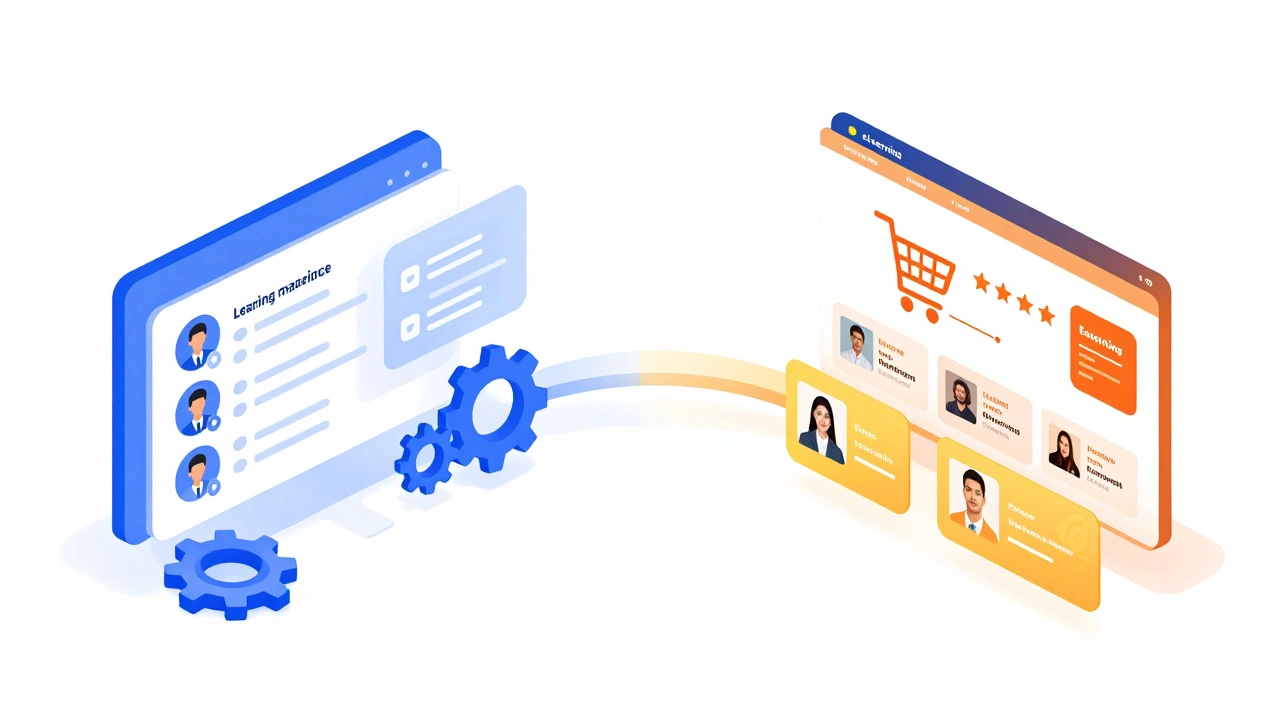
People often use "LMS" and "eLearning platform" interchangeably, but there is a nuance. An LMS is primarily about management. It focuses on administration, tracking, and compliance. It answers the question: "Did the employee complete the safety training?"
An eLearning platform, however, is broader. It might include an LMS, but it also encompasses authoring tools (where you build the courses), marketplaces (where you sell them), and social learning networks. For example, Udemy is an eLearning marketplace. It allows creators to upload courses and students to buy them. It has some LMS features, but its primary goal is commerce, not corporate compliance. Understanding this distinction helps you choose the right tool for your needs.
| Feature | LMS (Learning Management System) | eLearning Platform |
|---|---|---|
| Primary Goal | Track and manage learning | Deliver and monetize content |
| Target Audience | Employees, students in institutions | General public, professionals seeking skills |
| Key Metrics | Completion rates, compliance | Sales, engagement, reviews |
| Example | Moodle, Blackboard | Udemy, Coursera |
Who Actually Uses These Systems?
You might think eLearning systems are only for schools. That was true ten years ago. Today, they are everywhere. Let’s break down the three main users.
Corporations: This is the biggest market. Companies use eLearning systems for onboarding new staff, ensuring regulatory compliance (like OSHA safety rules), and upskilling teams. If you work at a large bank or hospital, you’ve likely logged into a portal to watch a mandatory video on data privacy. That’s an eLearning system in action. It saves money by reducing the need for travel and physical trainers.
Higher Education: Universities use these systems as virtual campuses. They post syllabi, grade papers, and host discussion forums. During the pandemic, platforms like Canvas and Blackboard became essential lifelines for millions of students. They didn’t just replace Zoom calls; they provided structure to chaotic remote learning.
Independent Creators: Experts and coaches use lightweight eLearning platforms to sell their knowledge. A fitness trainer might create a video series on nutrition and sell access through a simple membership site. This democratizes education, allowing anyone with expertise to teach without building a complex tech stack from scratch.
Key Features You Should Look For
Not all eLearning systems are created equal. When evaluating a system, whether for personal use or business deployment, focus on these critical features.
- SCORM Compliance: This ensures that your course content works across different systems. If you build a module in one tool, SCORM standards allow it to run in any compliant LMS. It prevents vendor lock-in.
- Mobile Responsiveness: Learners study on phones, tablets, and laptops. Your system must adapt to any screen size. If a worker on a factory floor can’t access training on their smartphone, the system fails.
- Analytics and Reporting: You need to know if learning is happening. Look for dashboards that show drop-off points in videos, quiz scores, and time spent on tasks. Data drives improvement.
- Integration Capabilities: The best systems connect with other tools. Can it sync with your HR software? Does it integrate with Slack or Microsoft Teams? Seamless integration reduces friction for users.
- Gamification Elements: Badges, leaderboards, and points keep learners motivated. Human brains respond well to rewards. A dry checklist is easy to ignore; a game-like progress bar is harder to resist.
The Technology Behind the Scenes
Underneath the user-friendly interface lies a robust technology stack. Most modern eLearning systems are cloud-based. This means you don’t need to install servers in your basement. Providers like AWS or Azure host the data, handling security and backups. This shift to the cloud has made eLearning scalable. You can add one student or one million without buying new hardware.
Artificial Intelligence (AI) is now changing the game. AI-driven systems can personalize learning paths. If a student struggles with algebra, the system detects the pattern and suggests remedial videos automatically. It moves away from the "one-size-fits-all" model to adaptive learning. Additionally, Natural Language Processing (NLP) powers chatbots that answer student questions 24/7, reducing the burden on human instructors.

Challenges and Pitfalls to Avoid
Implementing an eLearning system isn’t always smooth sailing. Many organizations fail because they treat it as a tech project rather than a cultural one. Here are common traps.
Poor Content Quality: Just putting PowerPoint slides online doesn’t make it eLearning. Boring content leads to high dropout rates. Invest in instructional design. Use storytelling, visuals, and interactivity.
Lack of User Adoption: If the system is hard to navigate, people won’t use it. Conduct usability testing before launch. Provide clear guides and support. Resistance to change is real; address it with communication and training.
Data Overload: Analytics are powerful, but too much data can paralyze decision-making. Focus on key performance indicators (KPIs) that matter. Do you care about how many times a page was loaded, or did the user pass the final exam? Stick to meaningful metrics.
Future Trends in Digital Learning
The landscape of eLearning is evolving rapidly. By 2026, we are seeing a shift towards immersive technologies. Virtual Reality (VR) and Augmented Reality (AR) are no longer sci-fi. Medical students practice surgeries in VR environments. Mechanics learn to repair engines using AR overlays on real machines. These technologies provide hands-on experience without the risk or cost of physical materials.
Microlearning is also gaining traction. Attention spans are shrinking. Instead of two-hour lectures, learners prefer five-minute bursts of focused content. ELearning systems are adapting by breaking courses into bite-sized chunks that fit into busy schedules. This approach respects the learner’s time and improves retention.
Finally, blockchain technology is emerging for credentialing. Imagine earning a certificate that is stored on a decentralized ledger. Employers can verify your skills instantly without contacting the issuing institution. This creates a trusted, transparent ecosystem for professional development.
Is an eLearning system the same as an LMS?
Not exactly. An LMS is a type of eLearning system focused on managing and tracking learning. An eLearning system is a broader term that can include LMS, authoring tools, marketplaces, and social learning networks. All LMSs are eLearning systems, but not all eLearning systems are strictly LMSs.
Do I need coding skills to set up an eLearning system?
No. Most modern cloud-based eLearning platforms offer drag-and-drop interfaces. You can upload videos, create quizzes, and design layouts without writing a single line of code. However, custom integrations may require developer assistance.
How much does an eLearning system cost?
Costs vary widely. Open-source options like Moodle are free to download but require hosting and maintenance fees. SaaS platforms charge per user per month, ranging from $5 to $50+ depending on features. Enterprise solutions can cost thousands annually. Always calculate total cost of ownership, including setup and support.
Can eLearning replace face-to-face training?
It depends on the subject. For knowledge-based topics like compliance or theory, eLearning is often more efficient. For soft skills or complex physical tasks, a blended approach works best. Use eLearning for foundational knowledge and reserve face-to-face time for practice and discussion.
What is SCORM and why is it important?
SCORM (Sharable Content Object Reference Model) is a set of technical standards for eLearning. It ensures that course content created in one tool can be imported and tracked in any compliant LMS. It is crucial for flexibility and avoiding being locked into a single vendor’s ecosystem.